🔗 Make a Payment Link
Here's the straightforward way to create your payment link:
-
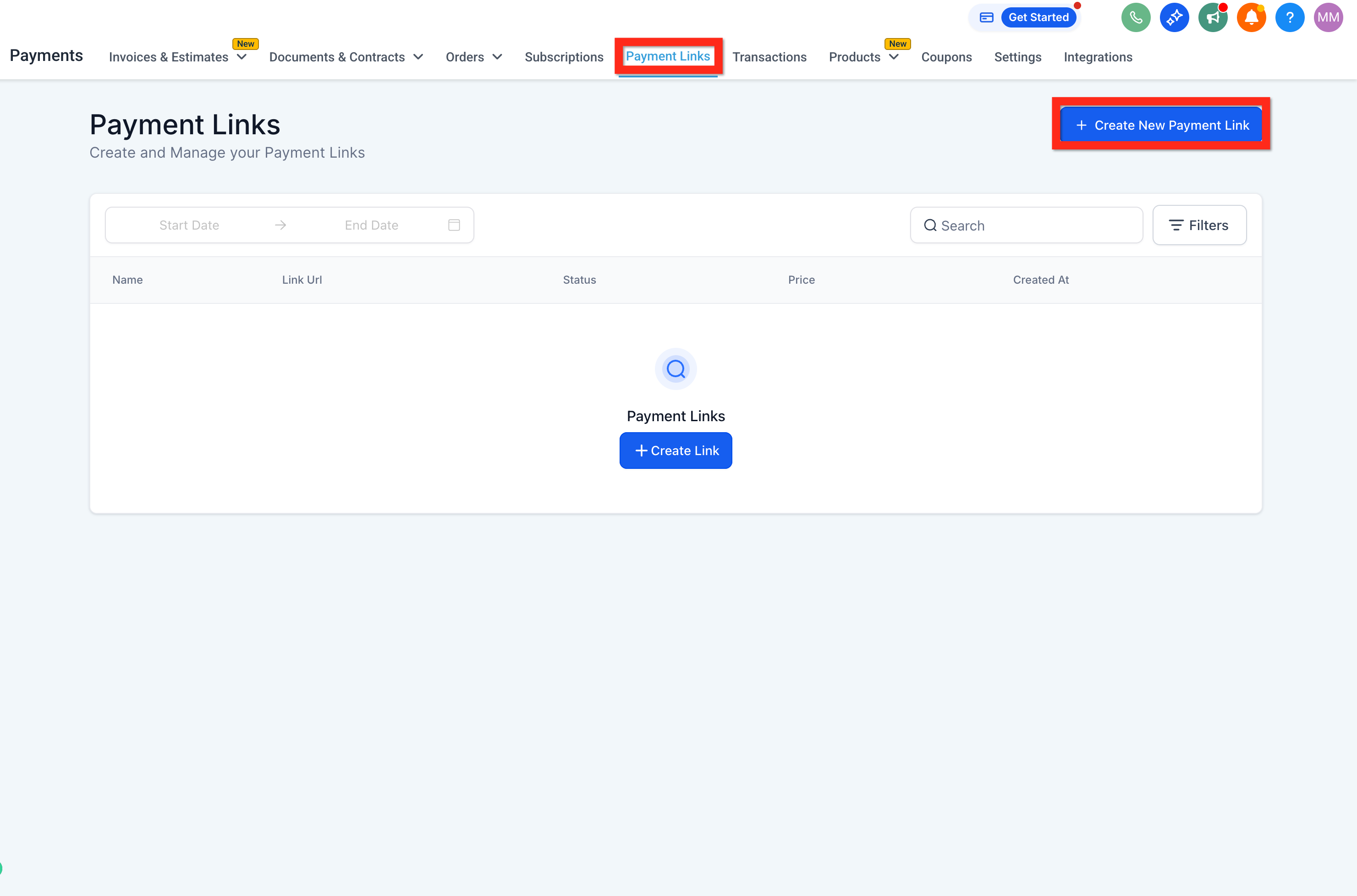
Navigate to Payments > Payment Links.
-
Click Create New Payment Link.
-
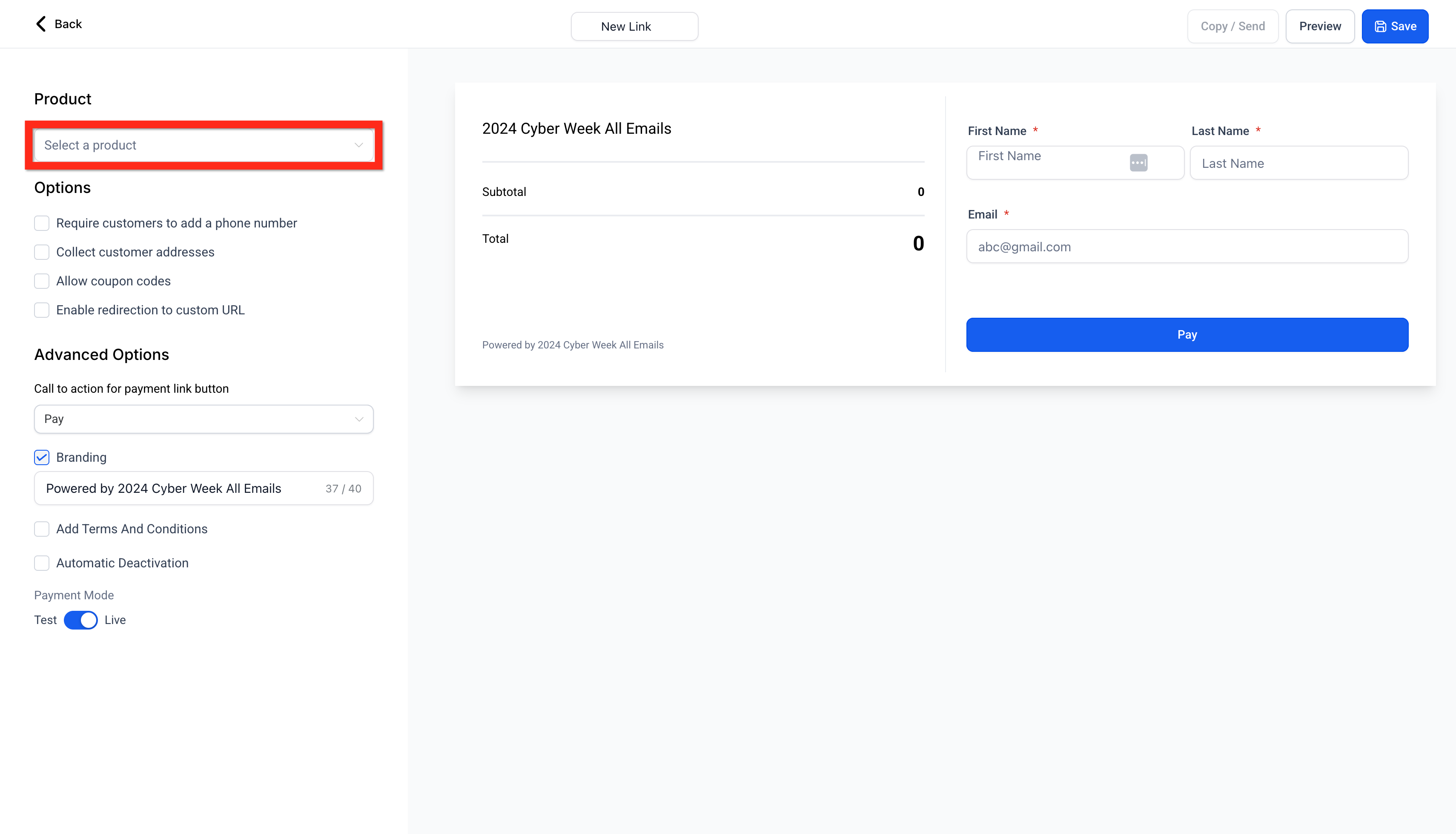
Select your product.
-
Configure your product by setting quantities, options, and other preferences.
-
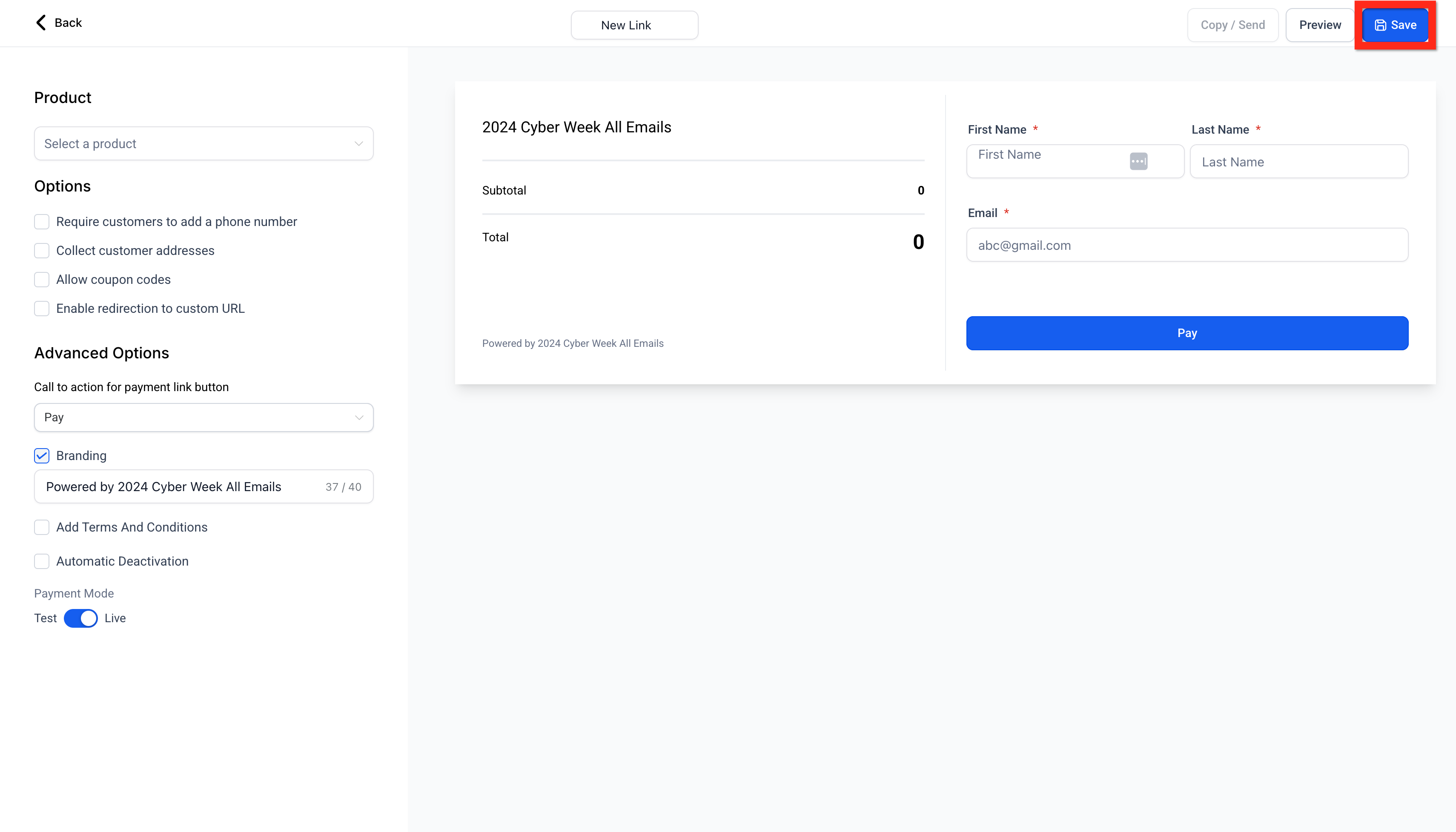
Click Save.
-
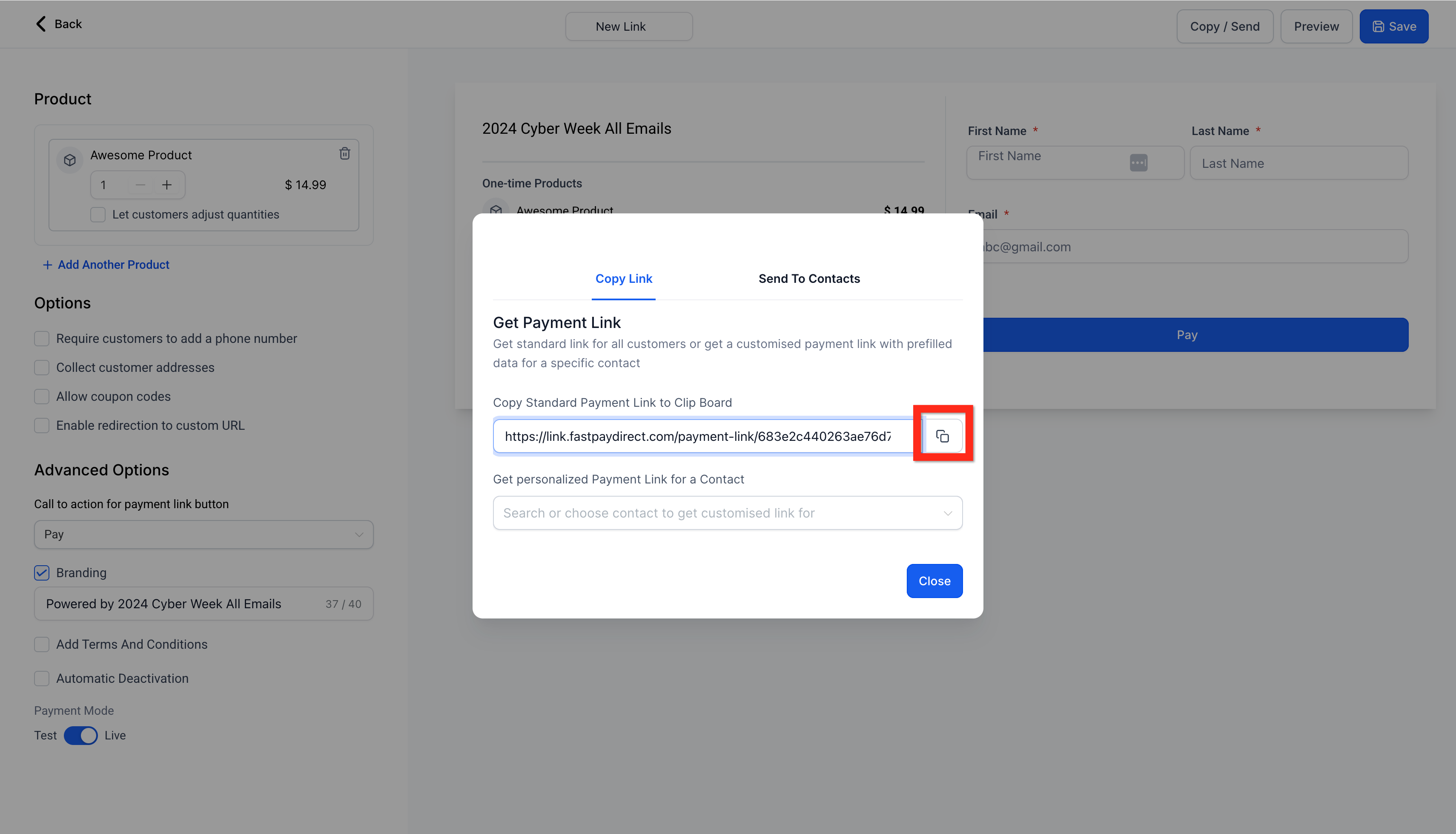
Click Send to share your payment link:
- 🌐 Generic link: Anyone with the link can access it.
- 🔐 Personalized link: Only the specified recipient can access it.
- 👥 Send to contacts: Share directly with your saved contacts for added convenience.