Mention or Tag Profile
✨ What's New in SalesMFast? Social Planner now allows users to add @Mentions in the posts!
✅ Mention is supported for:
📌 Auto-search will not appear, but you can manually add @ + correct ID, which will be tagged in the post.
⚠️ Facebook & LinkedIn support Pages mentions only. 📍 Location tagging is supported for Facebook and Instagram posts.
🎯 If more than one social channel is used, you'll be prompted to customize the post for each platform, enabling tag search by:
- Name
- Followers
- Platform type
🚀 How it helps:
- ✅ Improves post engagement for customers
- 🤝 Brands & influencers use @Mentions to cross-promote
- 🔍 @Mentions boost content searchability on some platforms
🛠️ How does it work?
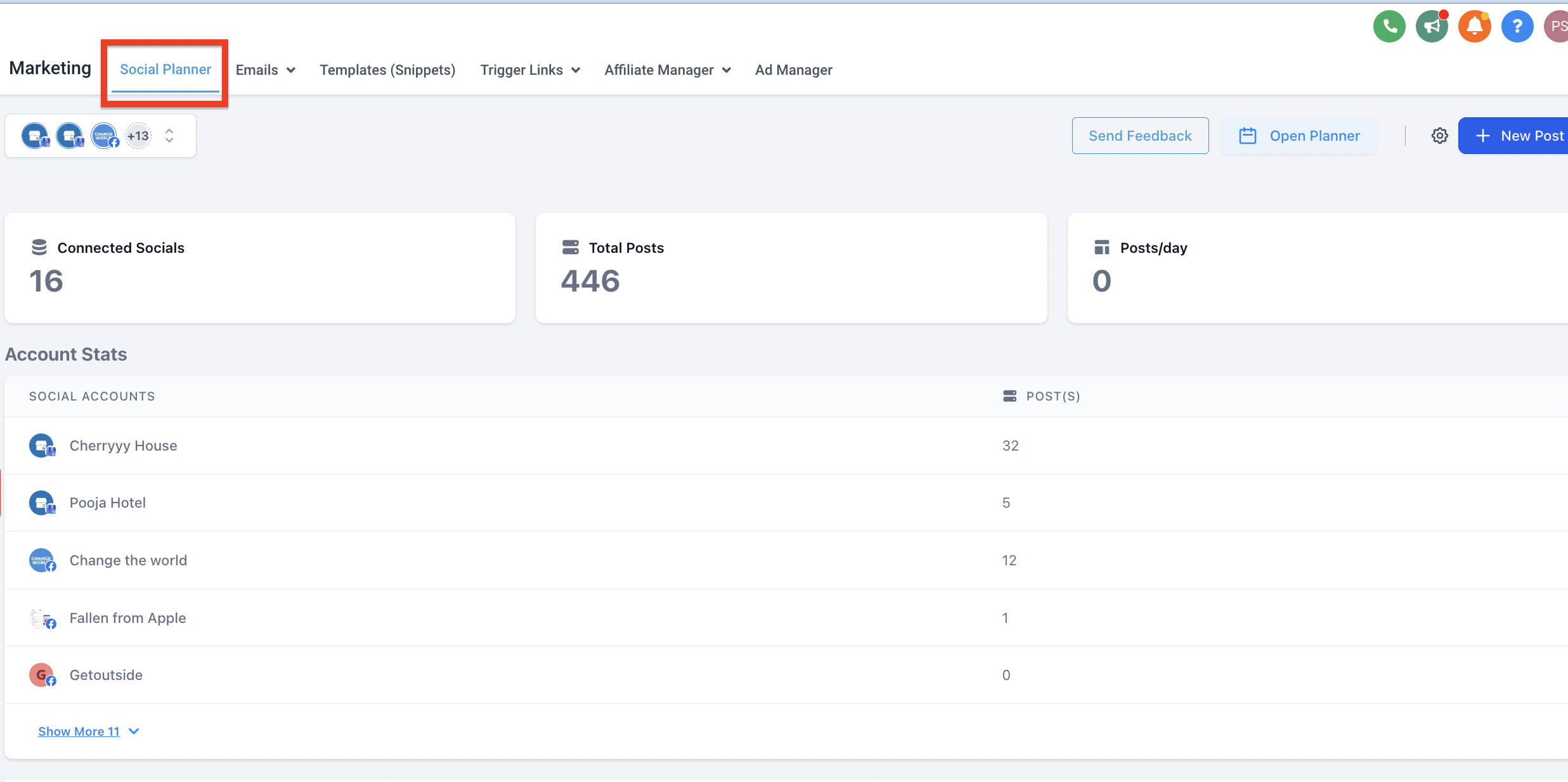
1️⃣ Go to Marketing > Social Planner
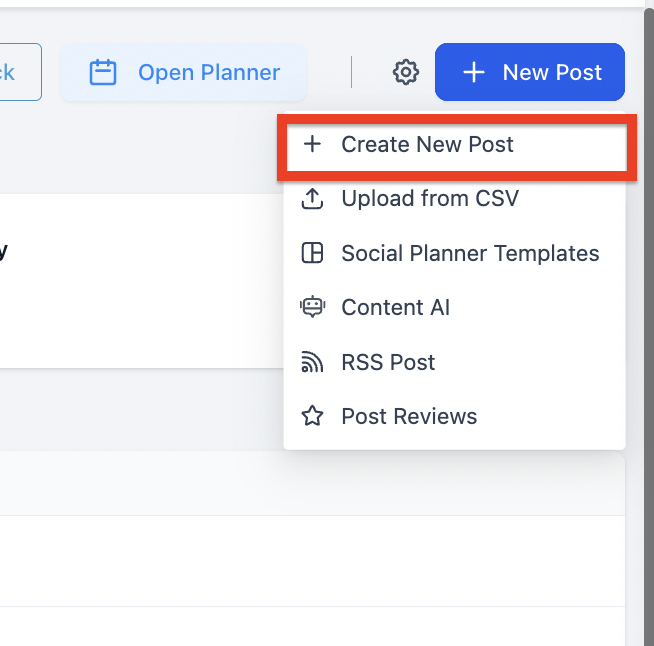
2️⃣ Click Create new Post
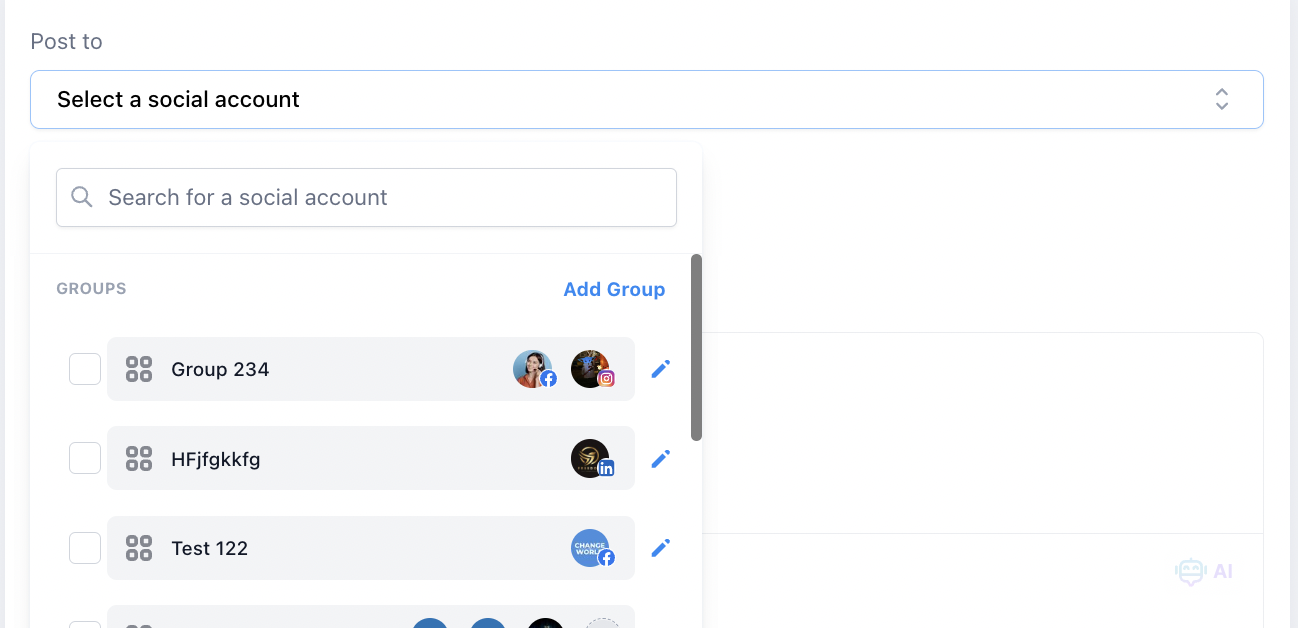
3️⃣ Select the social channels you want to post to
4️⃣ If more than one is selected, it will ask to enable "customize for each channel"
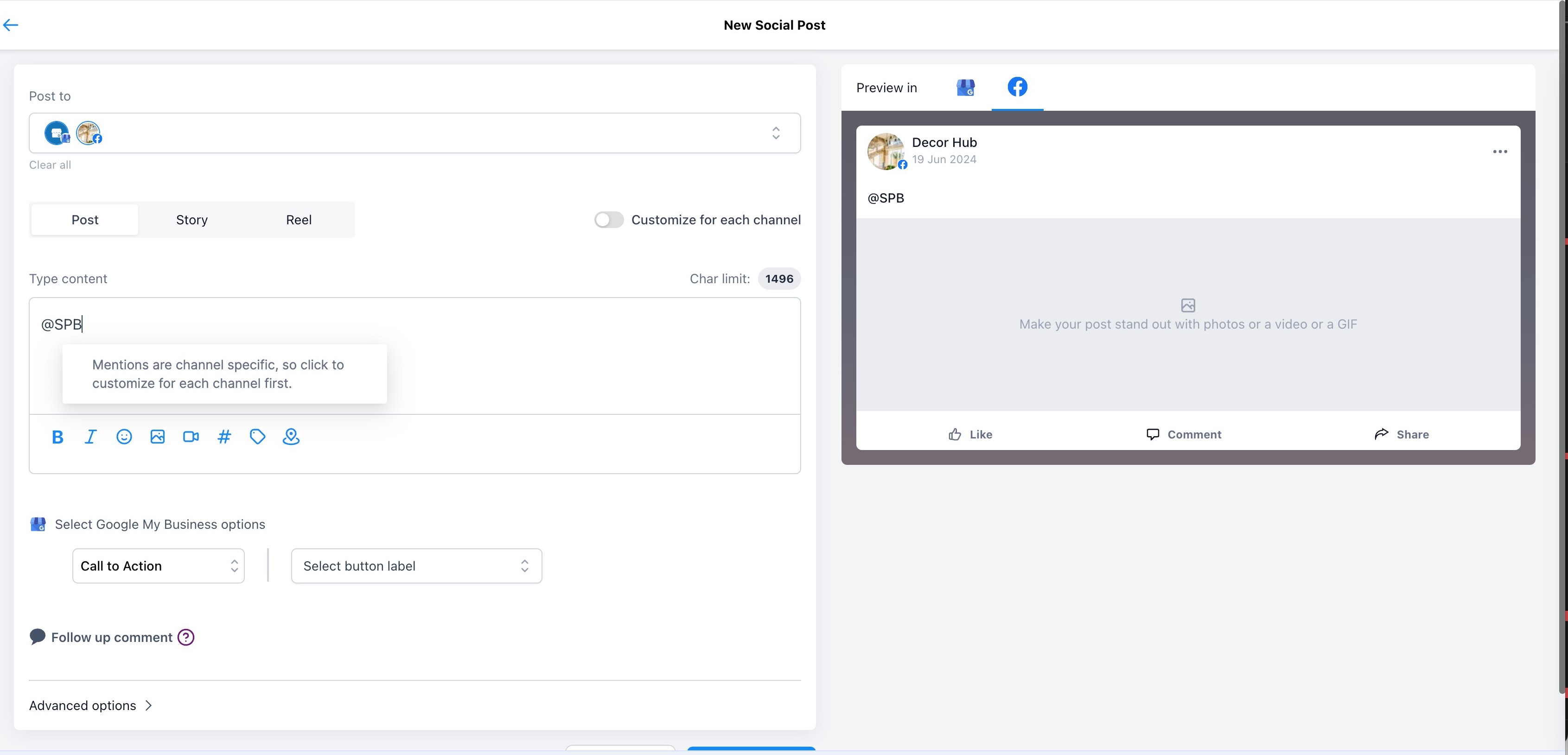
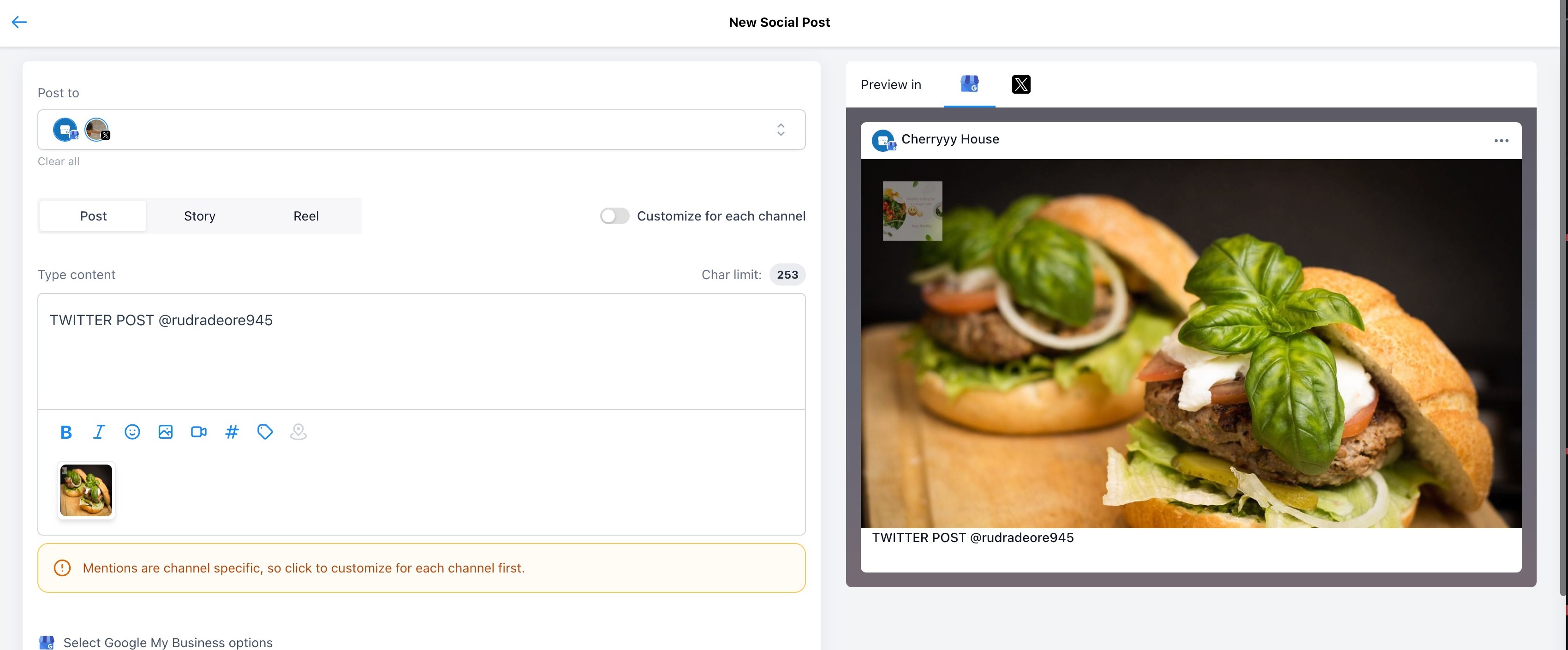
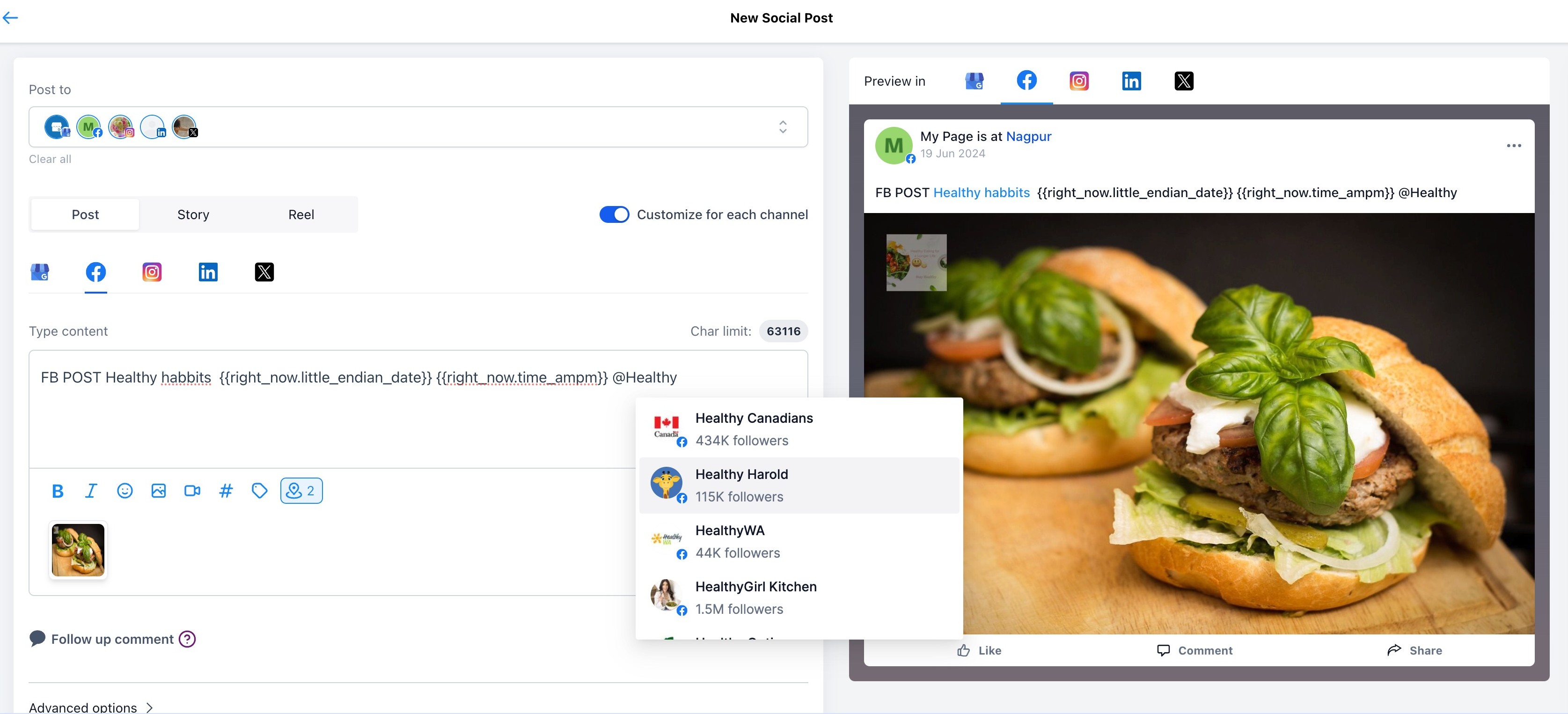
5️⃣ After enabling, you can add @ followed by a name to tag someone
- Search by username, follower count, or platform
6️⃣ Preview will show the tag in blue to confirm it was successfully recognized
📌 Note:
- This will not work in CSV uploads, Review Posting, or RSS Posting
- The highlighted blue tag in preview = tag successfully added ✅