Launch an Email Campaign
✉️ Ready to Captivate Your Audience?
Launching an email campaign is one of the best ways to engage your contacts and drive real results. Whether you're promoting your services or staying top of mind, a well-crafted email can significantly boost your conversions.
Let’s dive in and get your first campaign off the ground!
🧱 Start From an Email Template
Every great email campaign starts with a stunning template. Think of your template as the blueprint for success — it's the foundation upon which you'll build compelling messages again and again.
Ready to get started?
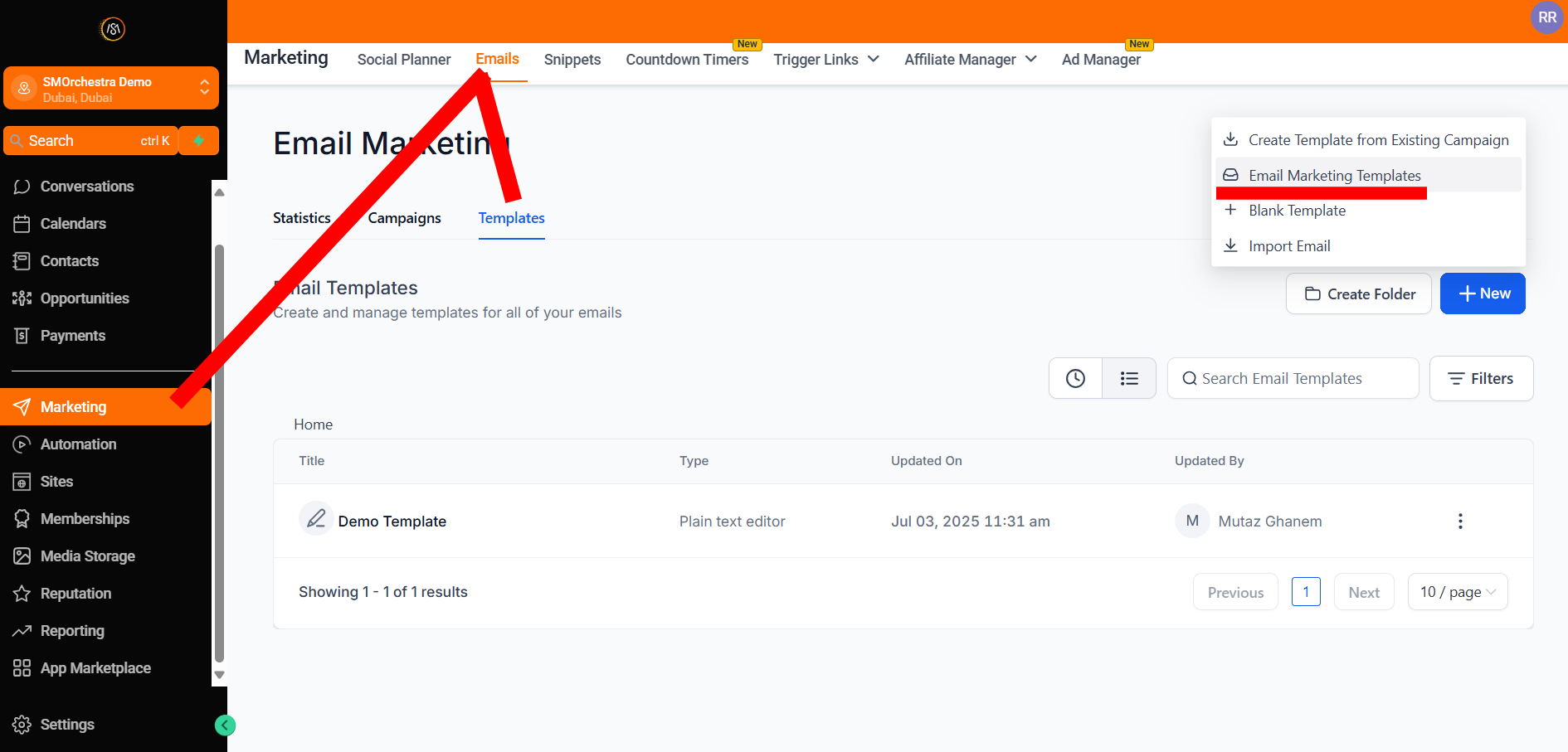
- Navigate to Marketing > Emails
- Click the Templates tab
- Click New
-
Select Email Marketing Templates
-
Browse, search, and filter available templates to find the perfect fit
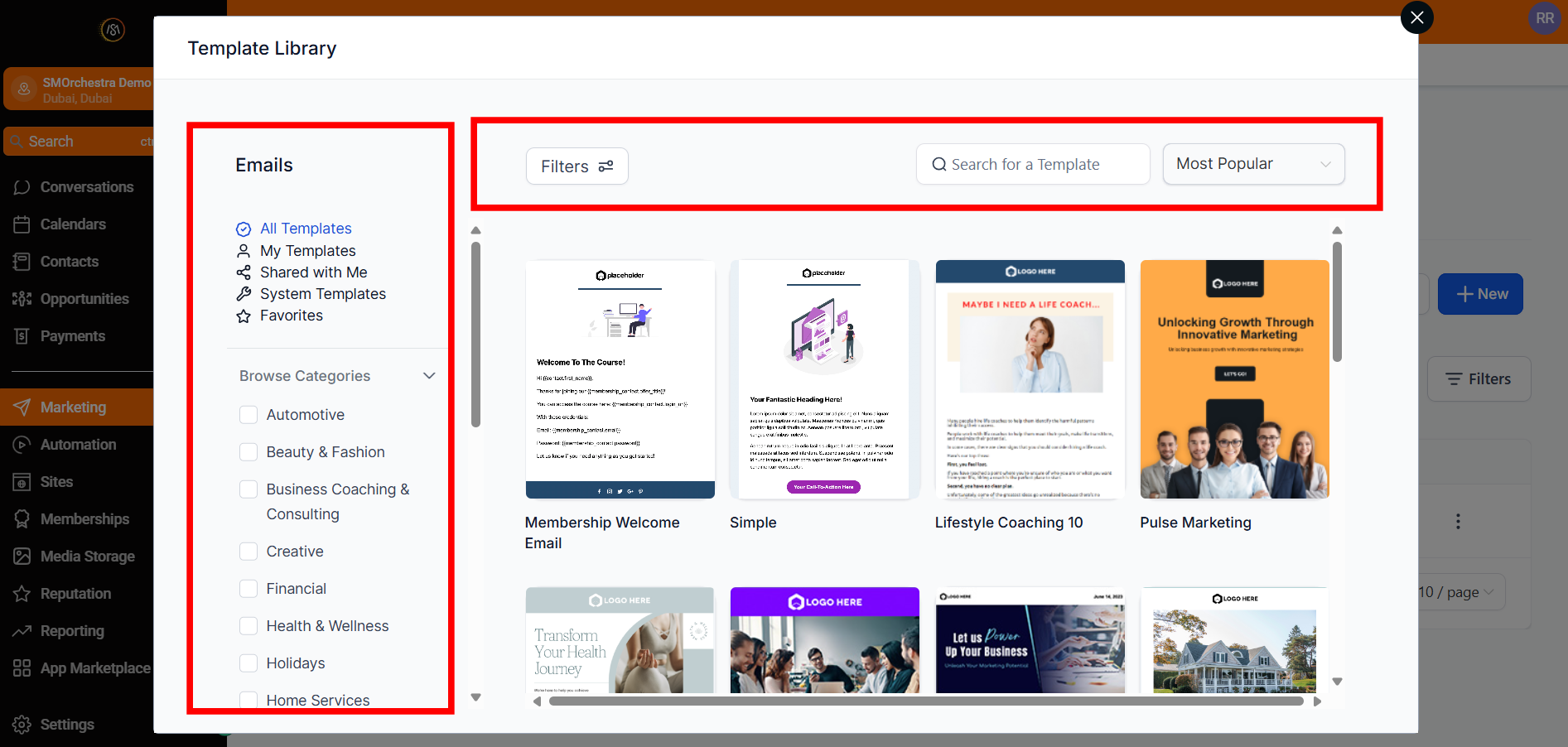
- Preview your desired template to see how it resonates
- Click Continue to open it in the Email Editor
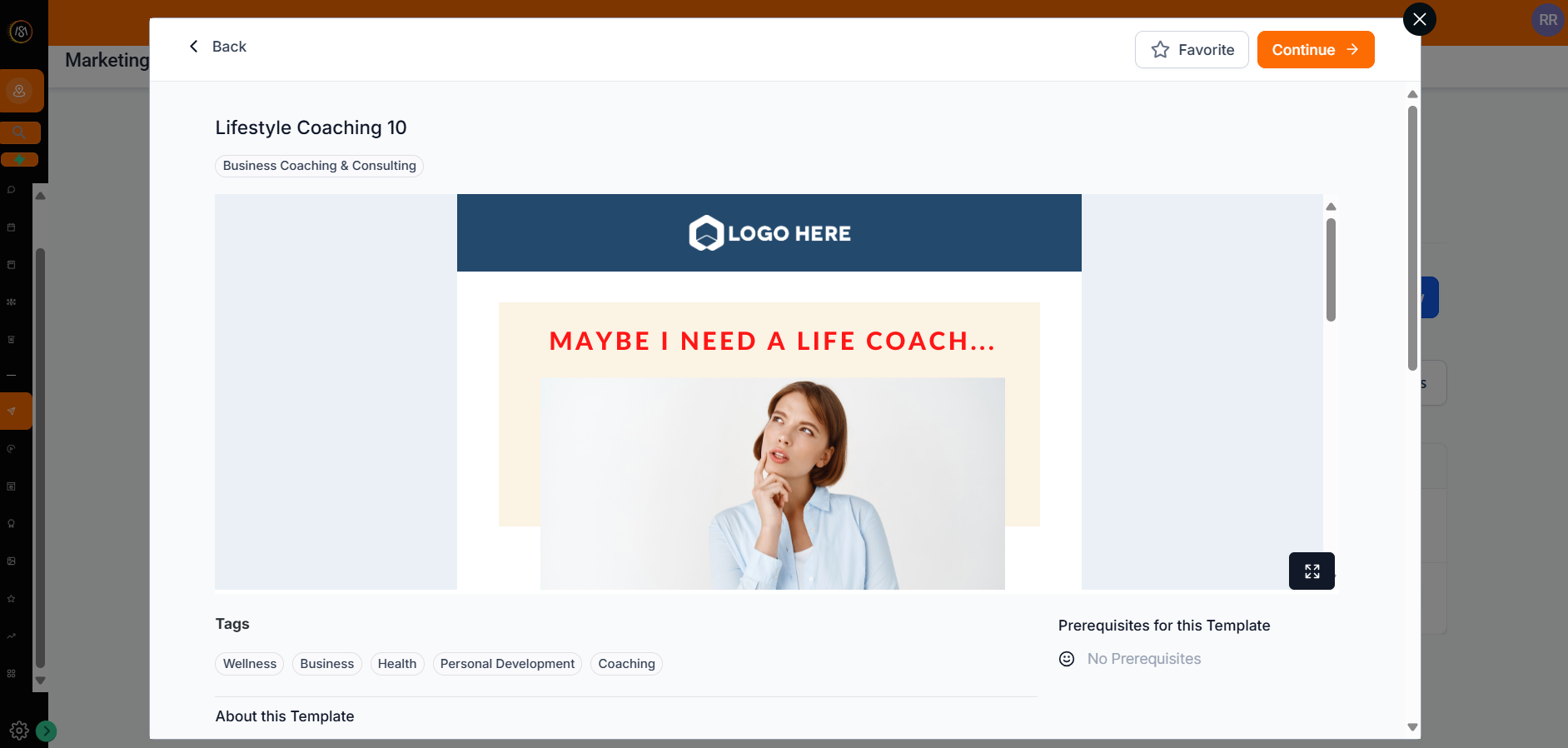
- This will create the template and open it in the Builder
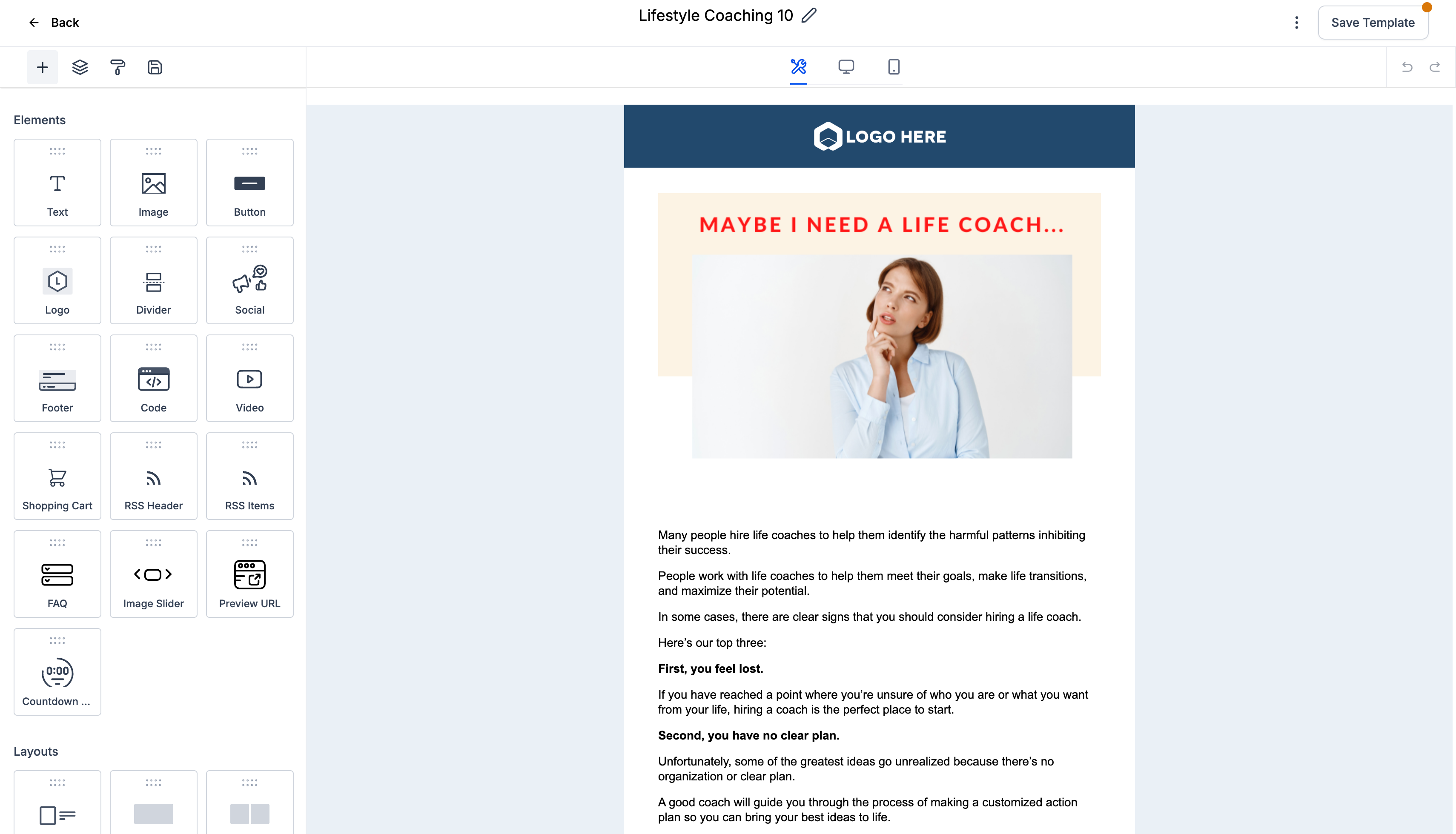
Next, you can start customizing your template to make it uniquely yours!
🛠️ Edit Email Template
Editing your template is where the magic happens. This is your chance to truly make the template your own by adding your personal touch, brand voice, and compelling visuals. Let's polish that template to perfection!
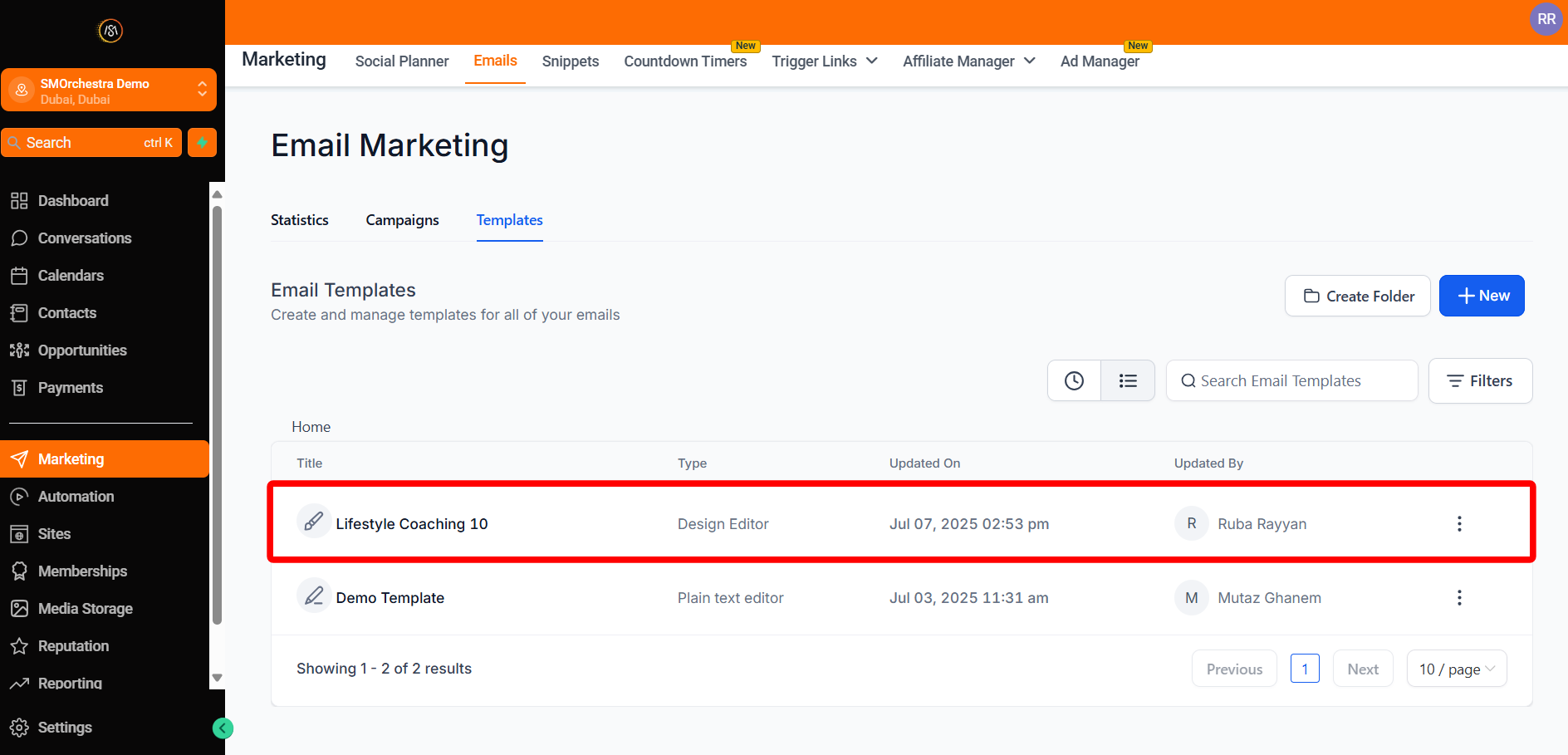
- Navigate to Marketing > Emails > Templates
-
Open your chosen template in the Email Editor
-
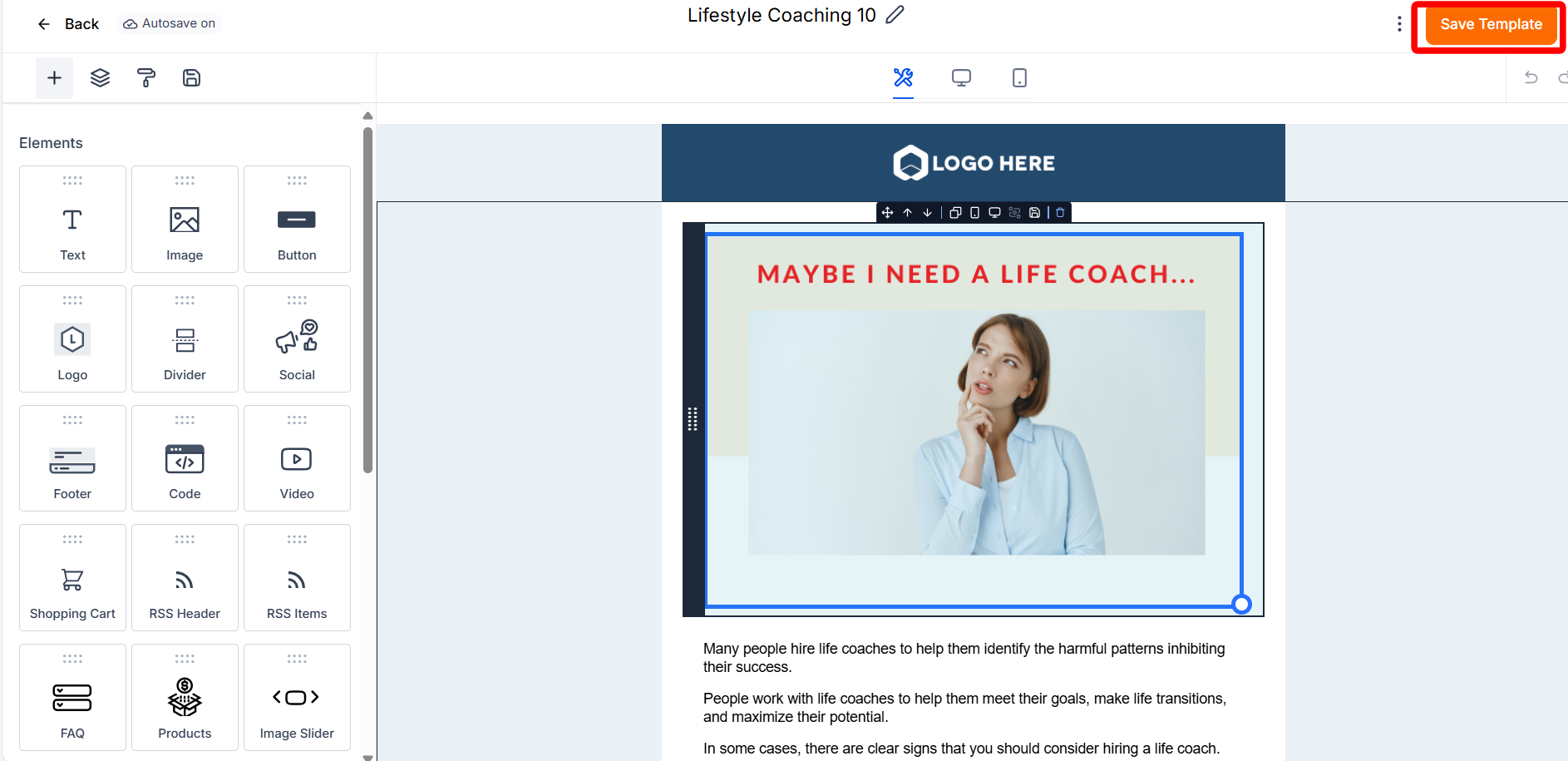
Adjust elements (text, images, layout) until it feels just right
-
Click Save Template to keep your changes
-
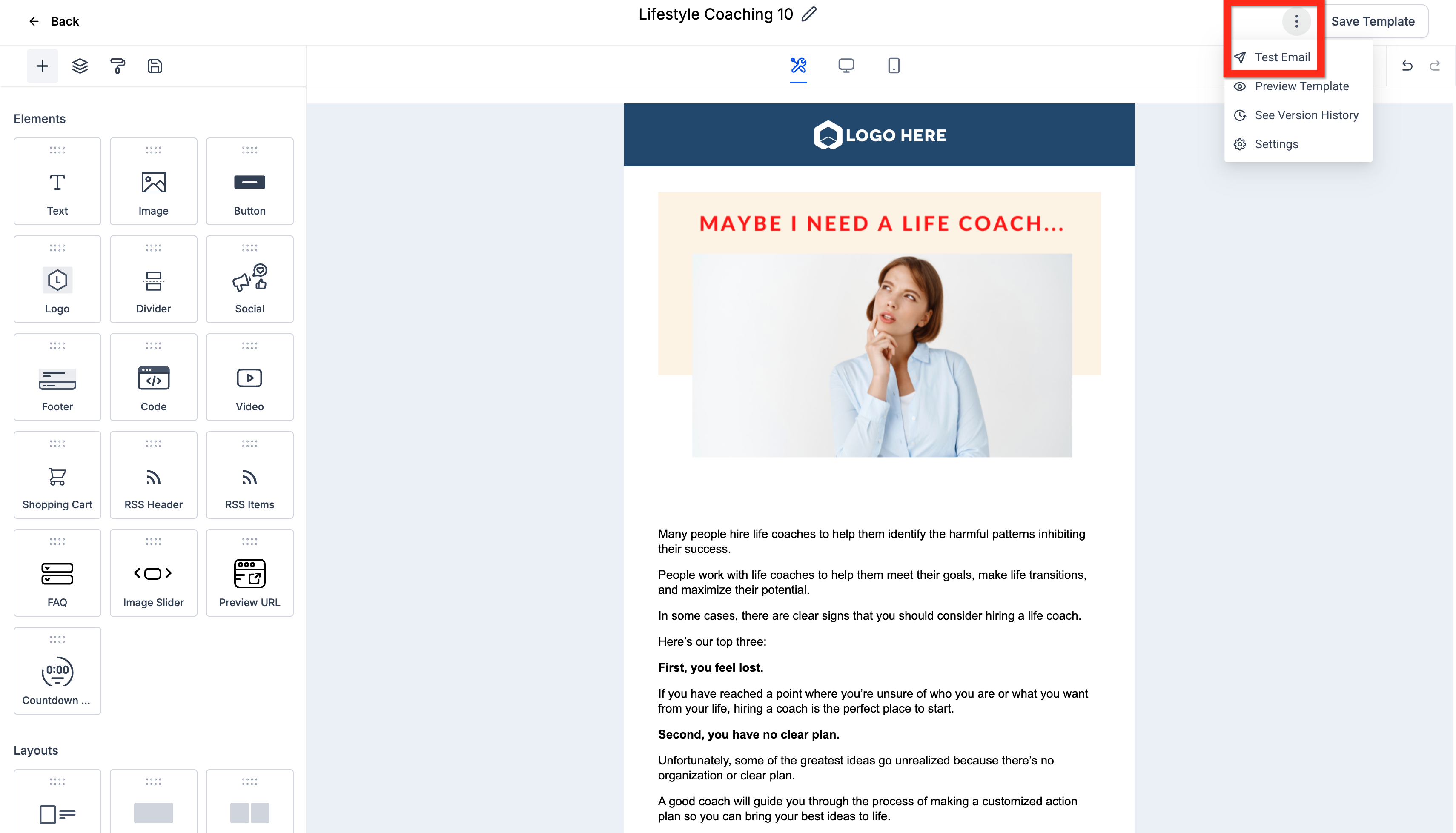
For peace of mind, click the 3-dot action menu > Test Email
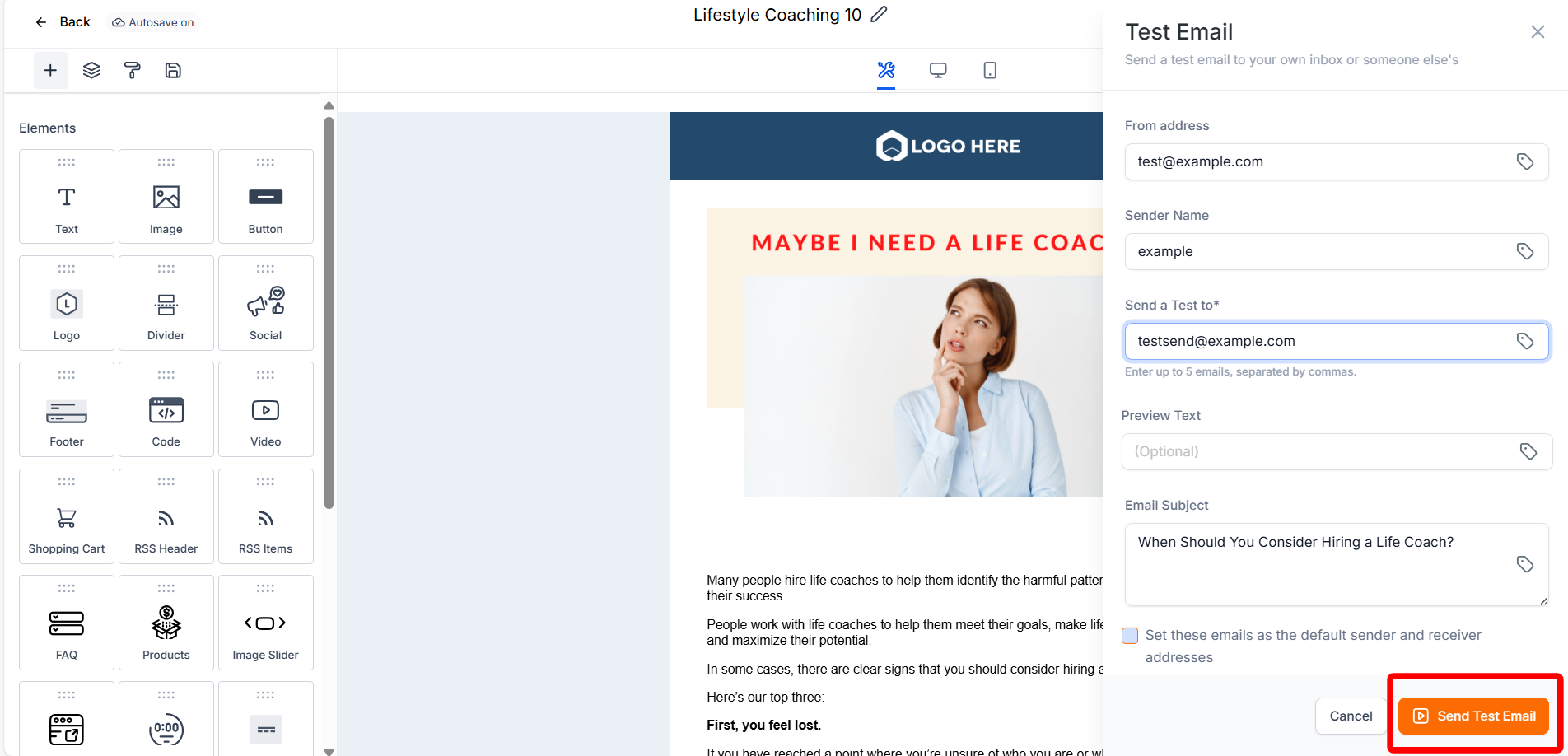
- Fill in details such as sender information and recipients
-
Click Send Test Email
-
Once you're happy, click Back to return to your Email Campaign Dashboard
🎉 Your template looks fantastic! Next, why not create an email campaign to reach your audience?
📤 Create Email Campaign from Template
With your refined template ready, it's time to share it with your audience!
Turning your template into a live campaign is straightforward and exciting. Let’s make it happen!
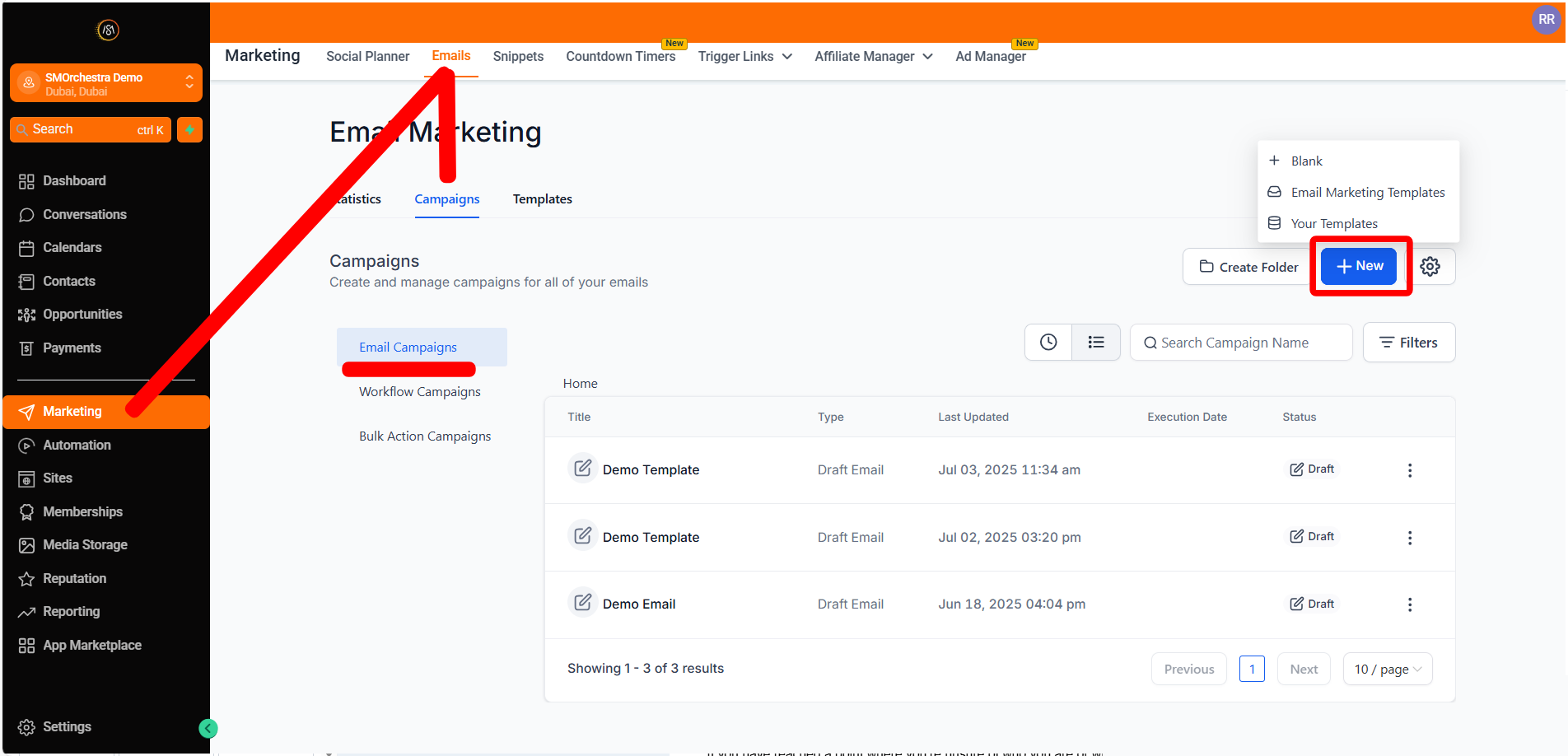
- Go to Marketing > Emails > Campaigns
- Click New > Select Template
- Or you can go to the Templates Tab, click the 3-dot action menu next to your chosen email template, and select Create Campaign
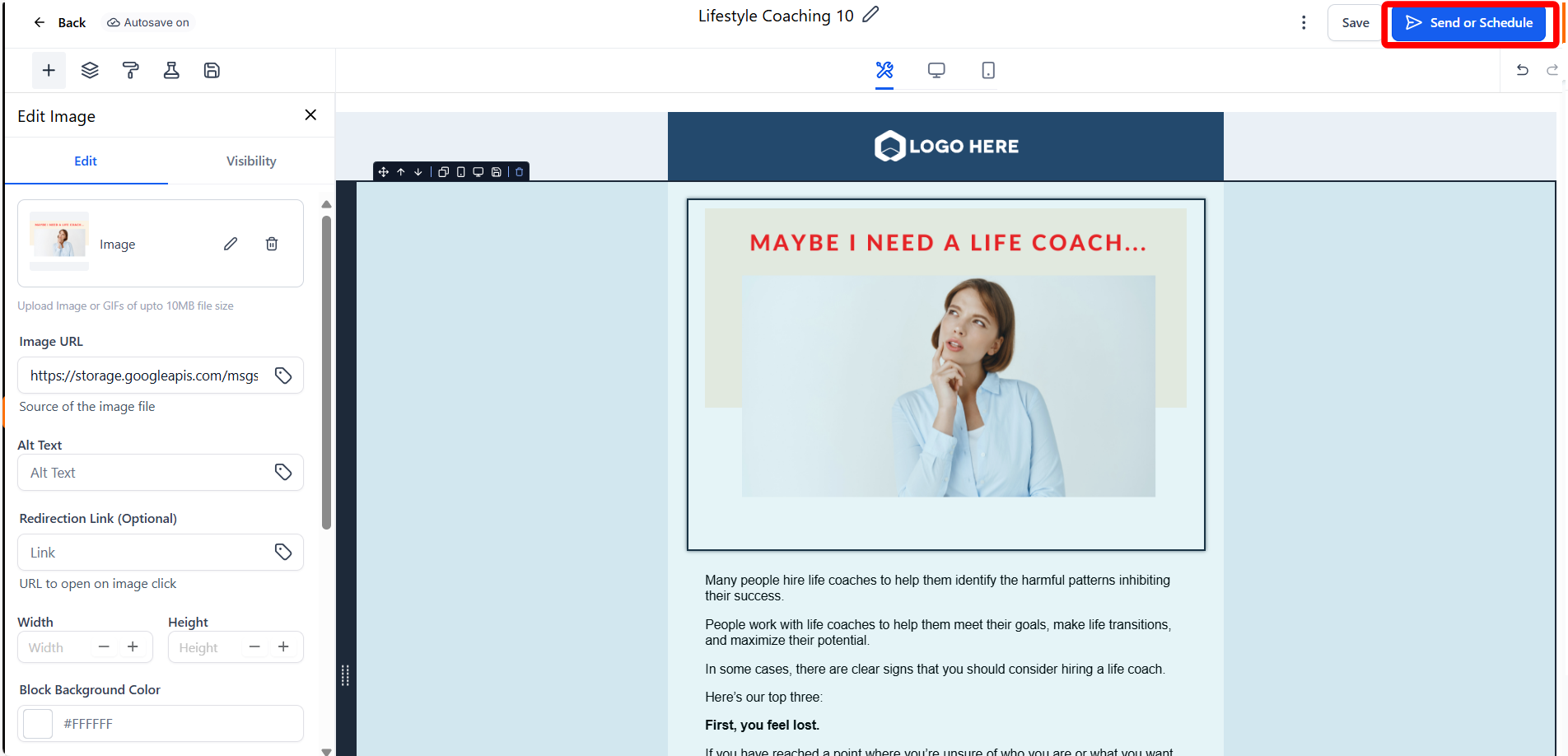
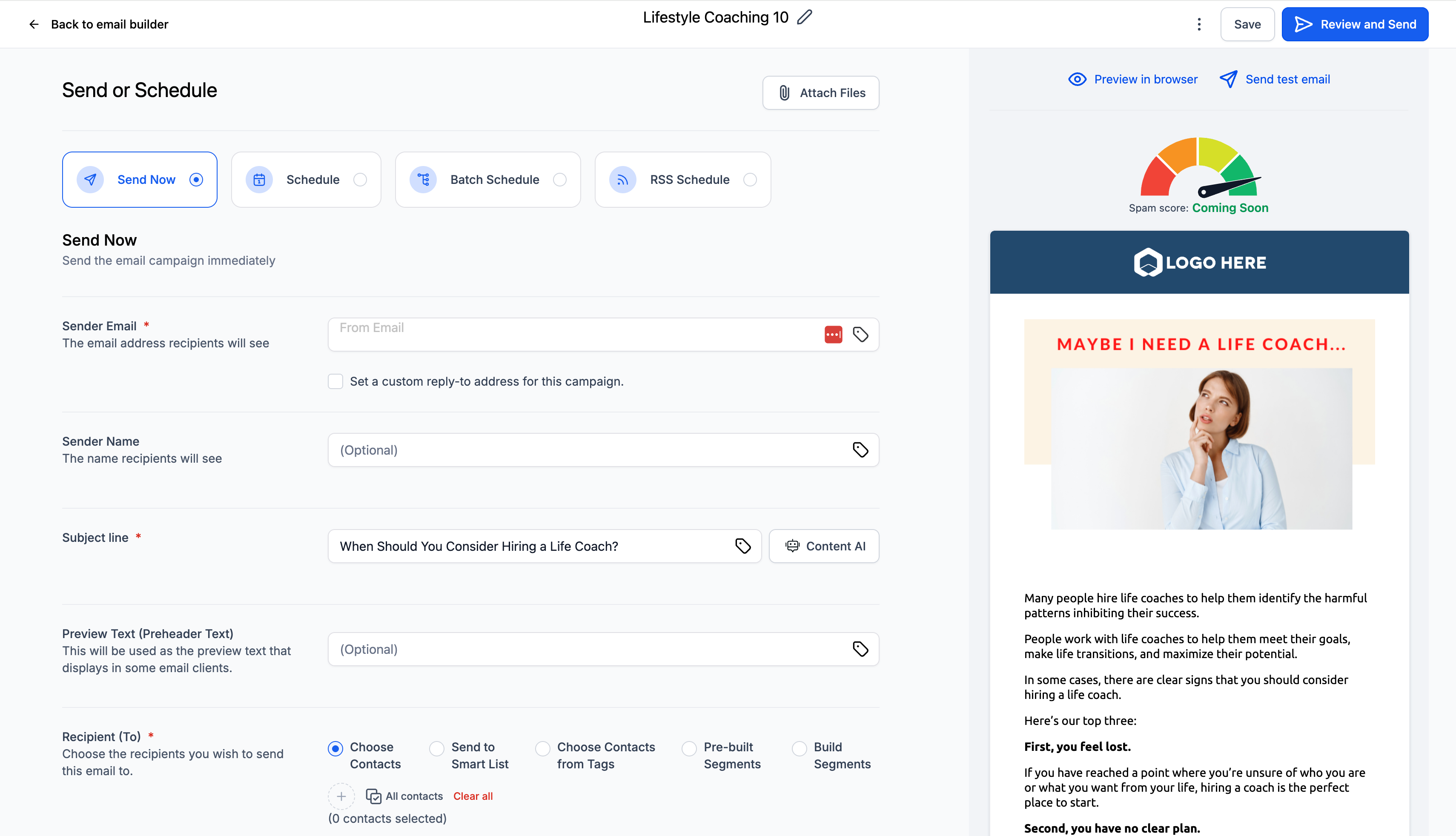
- With your template open, click Send or Schedule
- Configure your email options (like selecting recipients and enabling tracking)
-
Click Review and Send
-
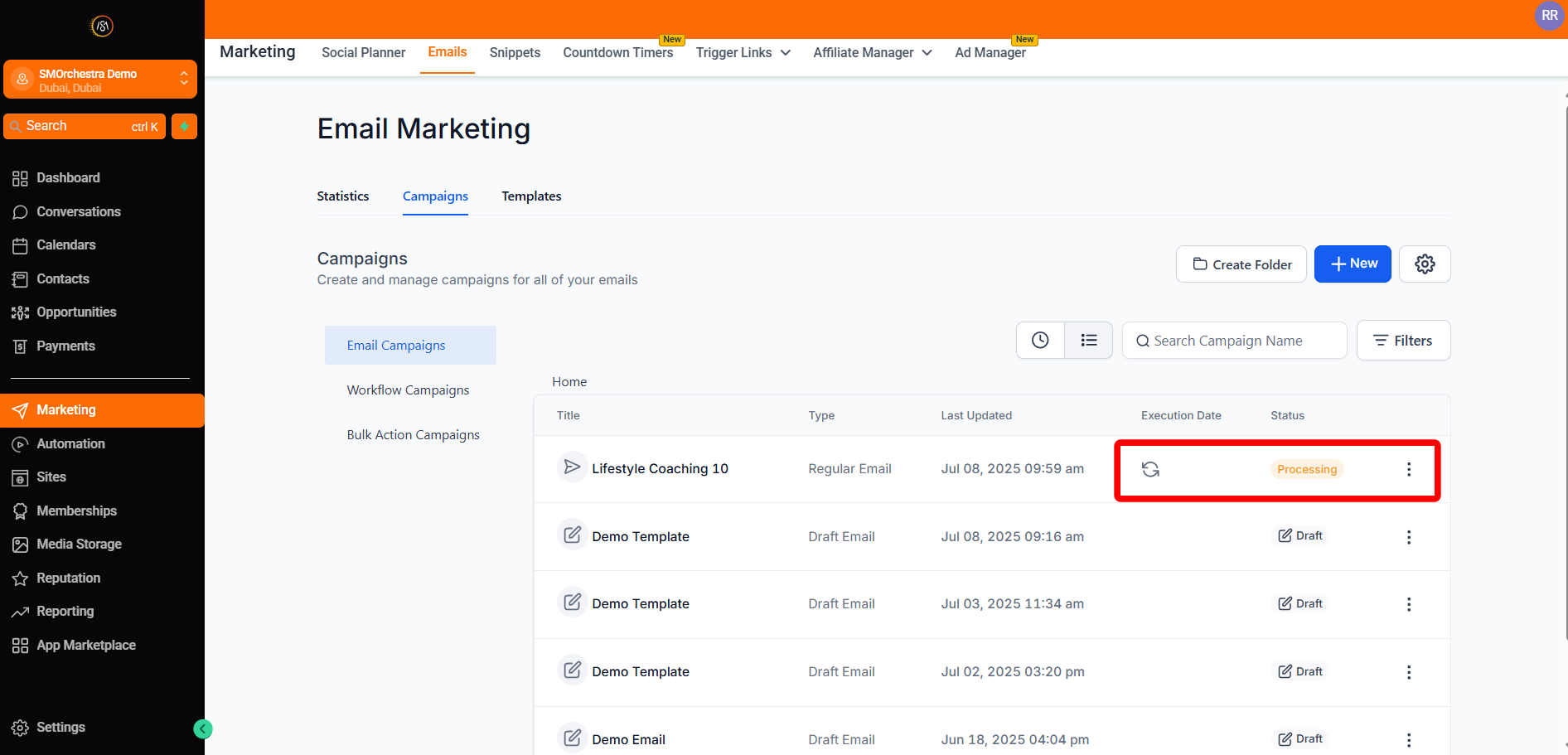
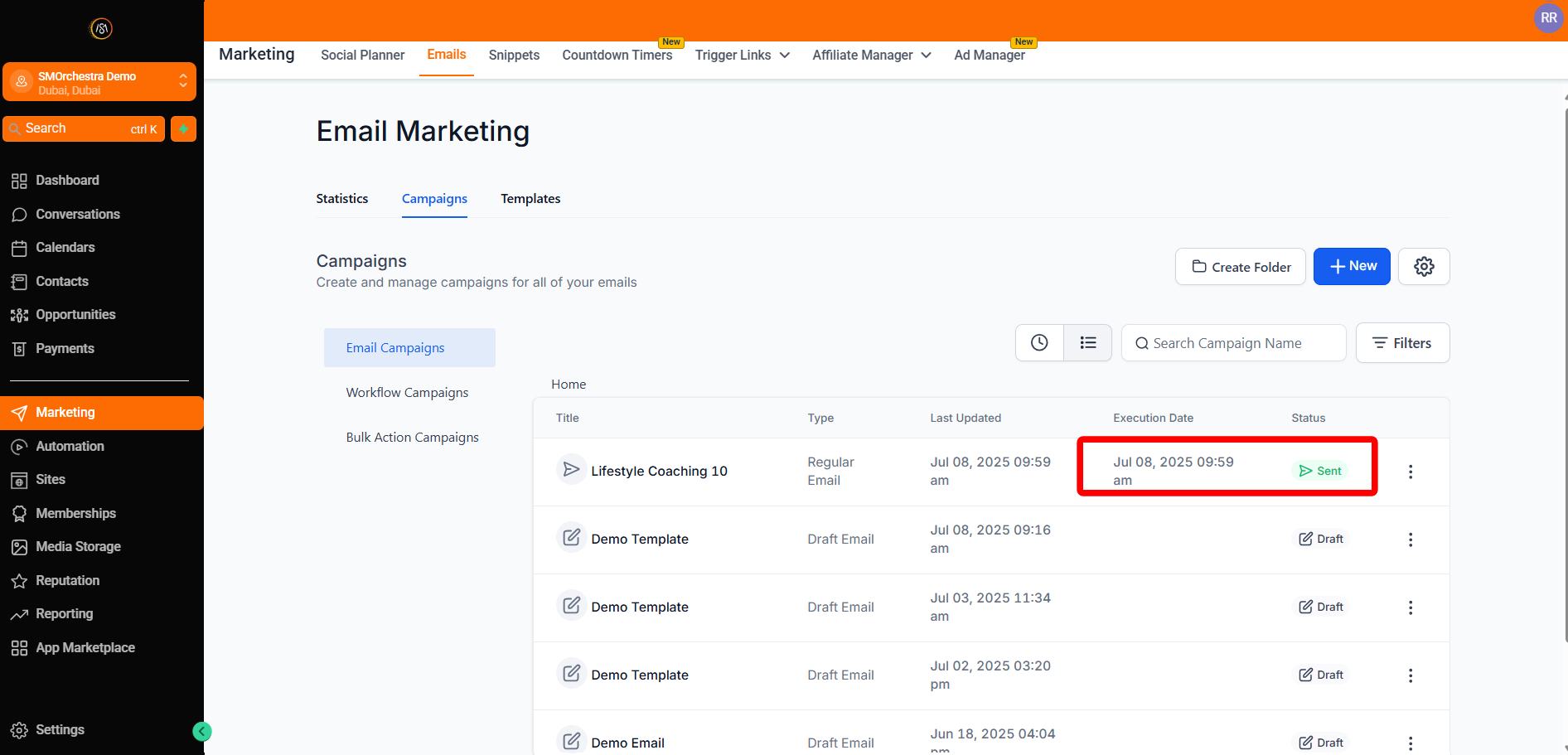
🎉 Sit back and watch the status change from Sending to Sent — congratulations!