Launch A Funnel
🚀 Create a Funnel Options
Every great journey starts with the first step, and in this case, it’s creating your funnel. Let's get started:
-
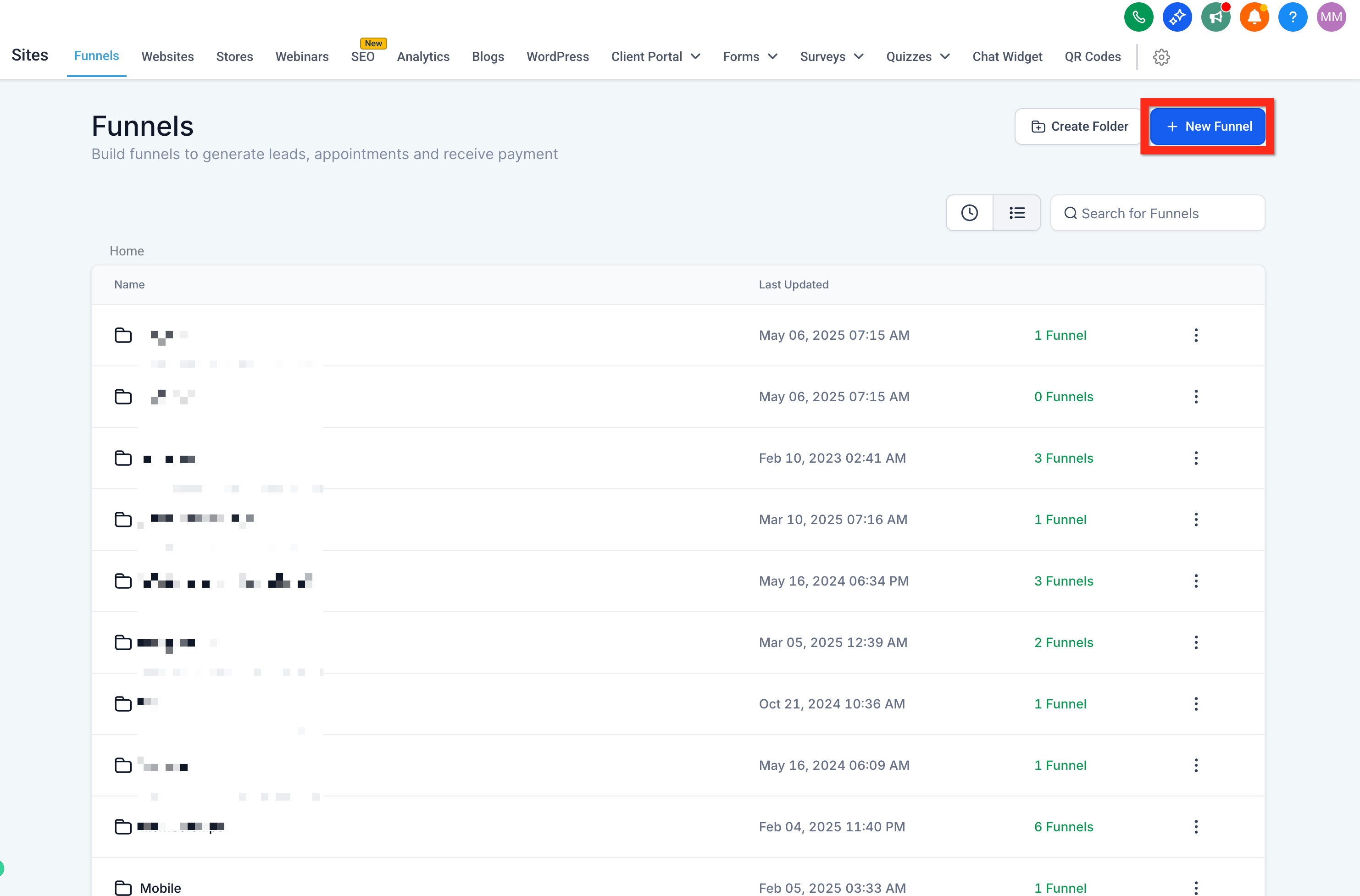
Go to Sites > Funnels
-
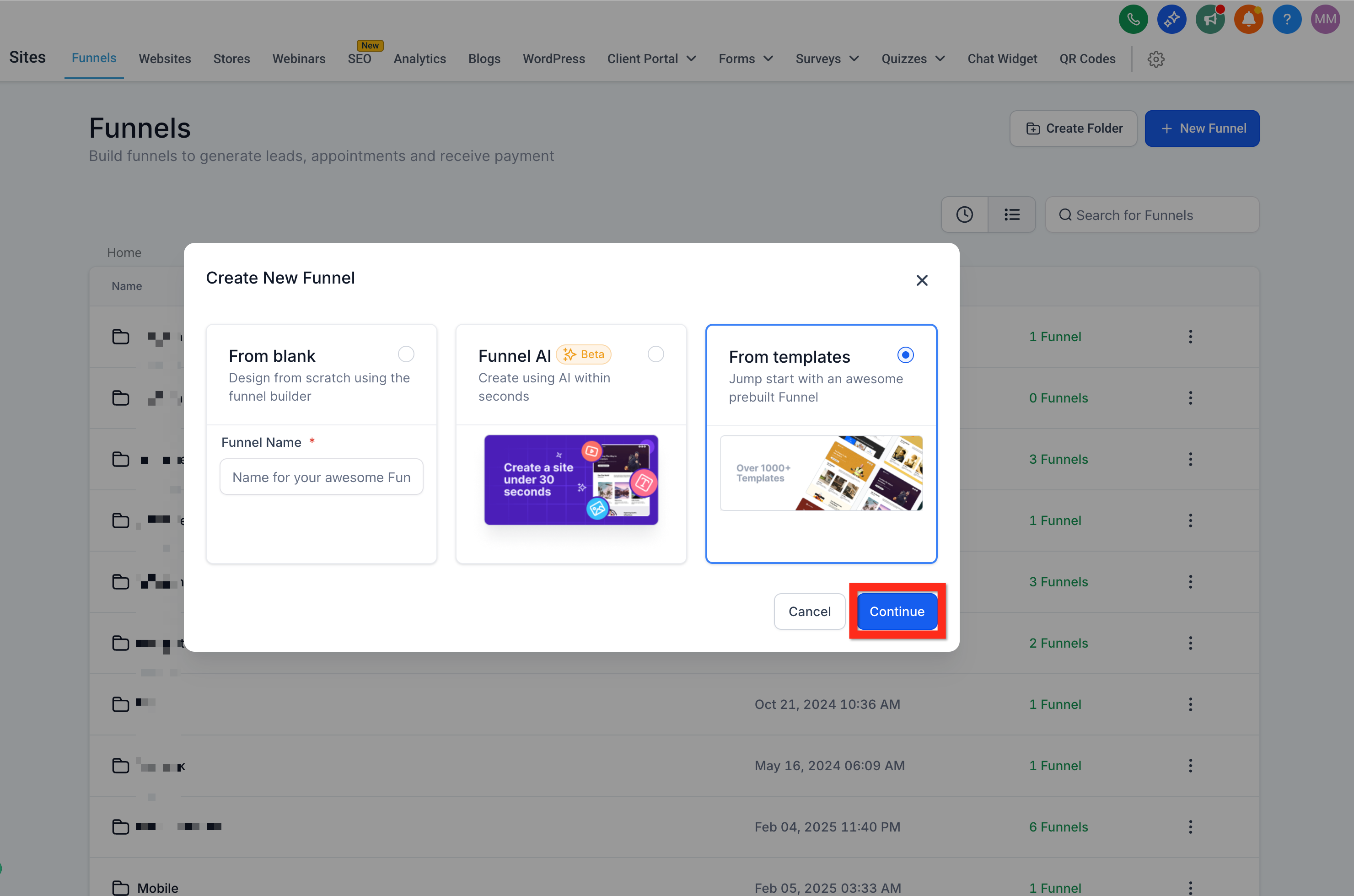
Click New Funnel, then select one of these options:
- From Blank (build your own)
- Funnel AI (AI-powered creation)
- From Templates (use a pre-designed funnel)
💡 Next step: Ready for more? Dive into customizing your funnel design to match your brand personality!
🎨 Create a Funnel From Template
Save time and start strong! Templates provide a professional design that's proven to convert, allowing you to focus on fine-tuning rather than starting from scratch.
- Navigate to Sites > Funnels
- Click New Funnel > From Template > Continue
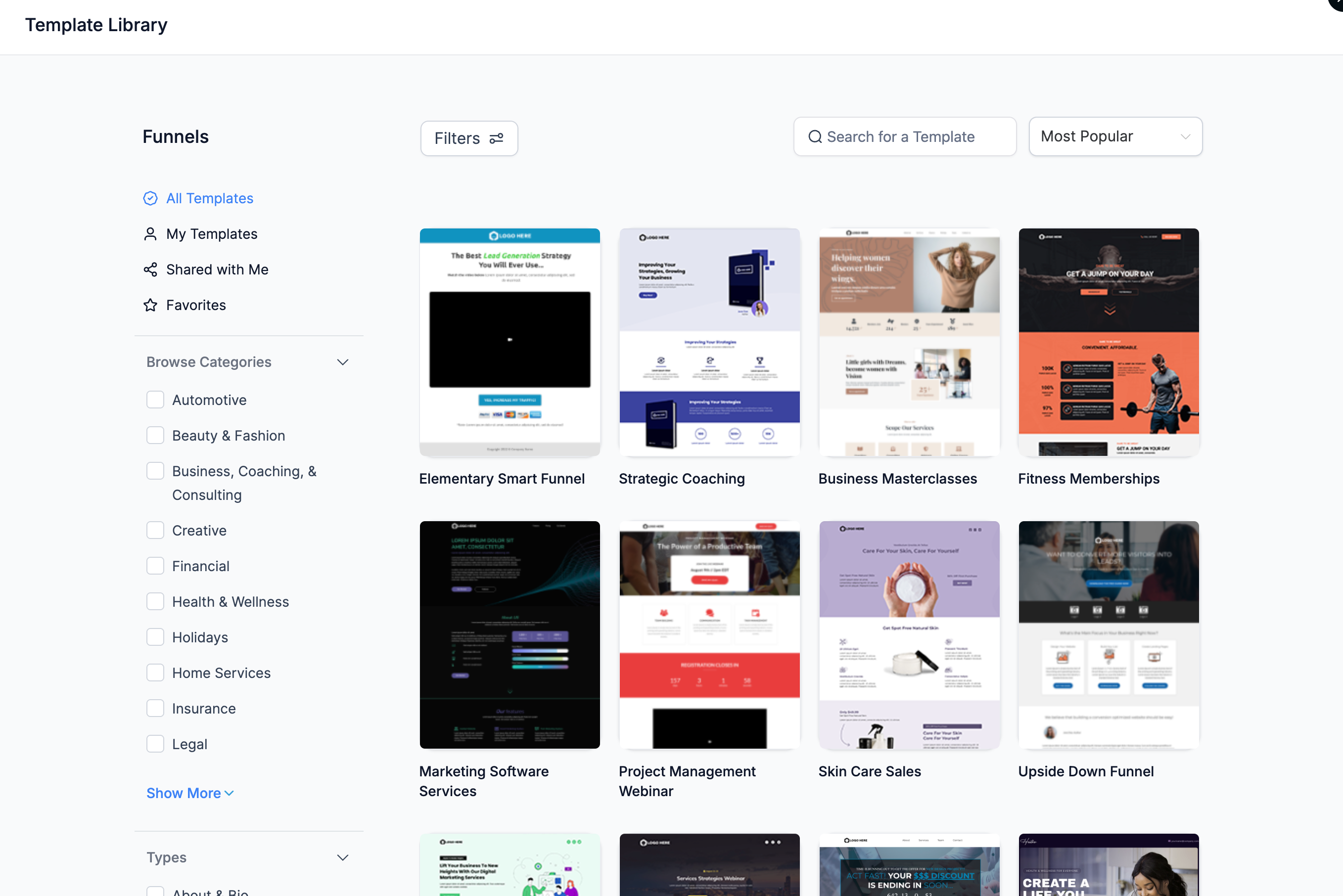
- Open the Template Library
- Search, filter, and sort through the templates
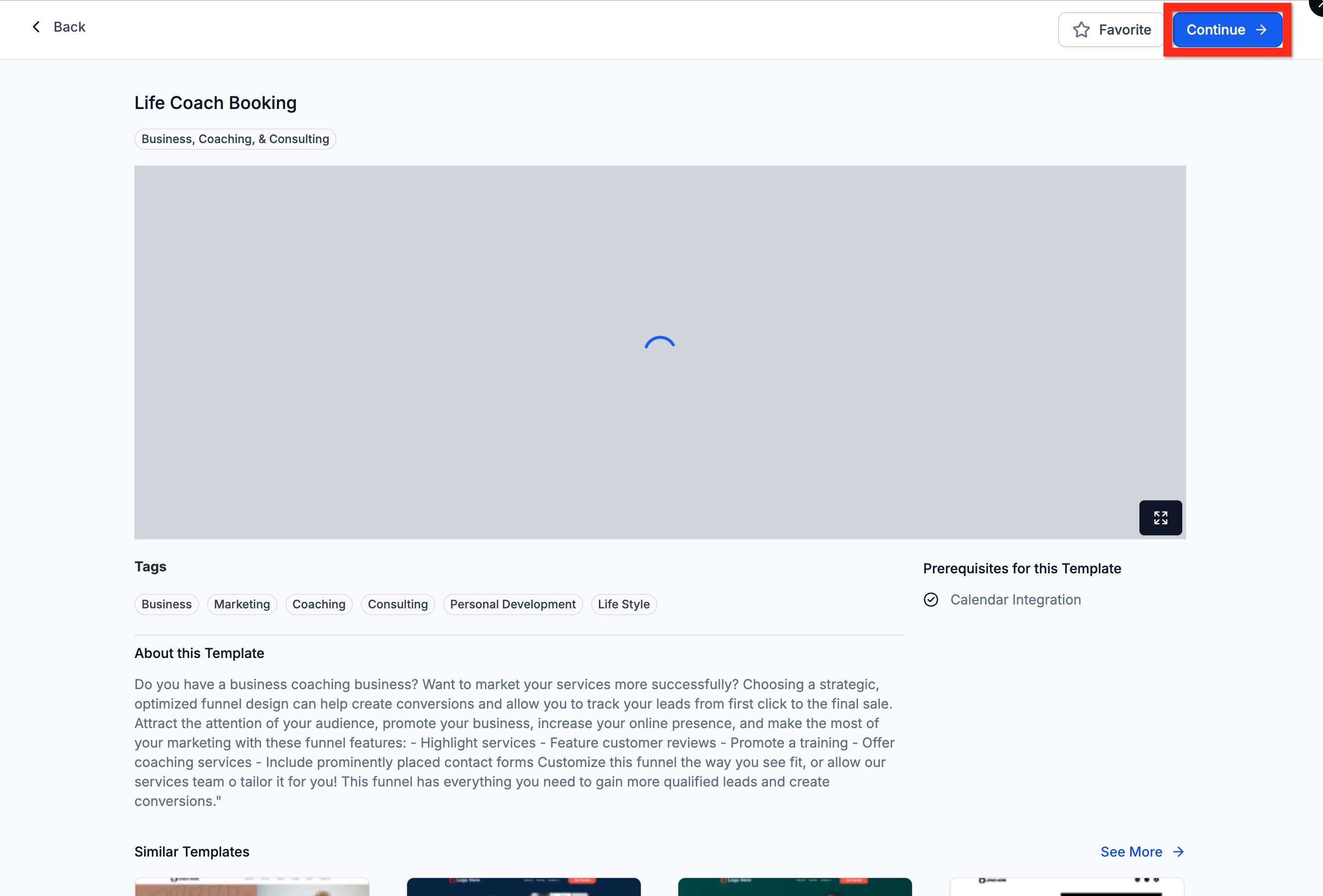
- Preview your chosen funnel template
- Click Continue
- Customize it in the Funnel Editor
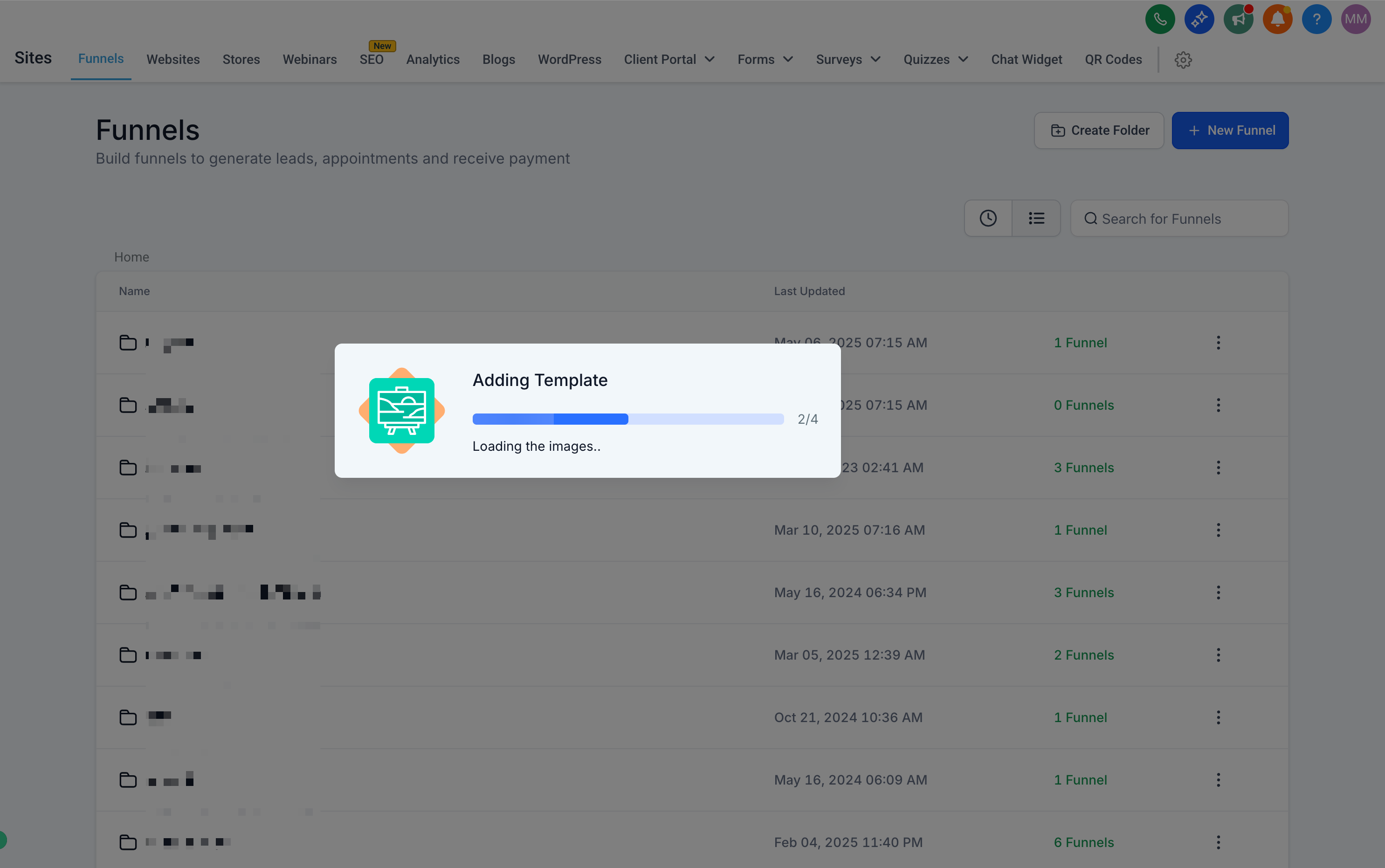
- Click Save
📘 Learn More: Template Library Overview & Setup
🔧 Next step: Take your funnel further—integrate a custom form to collect valuable visitor information.
📝 Create a Form
Forms are the heart of lead generation. Design a form that's engaging and easy to fill out, capturing the right information effortlessly.
- Navigate to the Form Builder (either through the Form Picker in the Funnel Editor or directly)
- Click Add Form
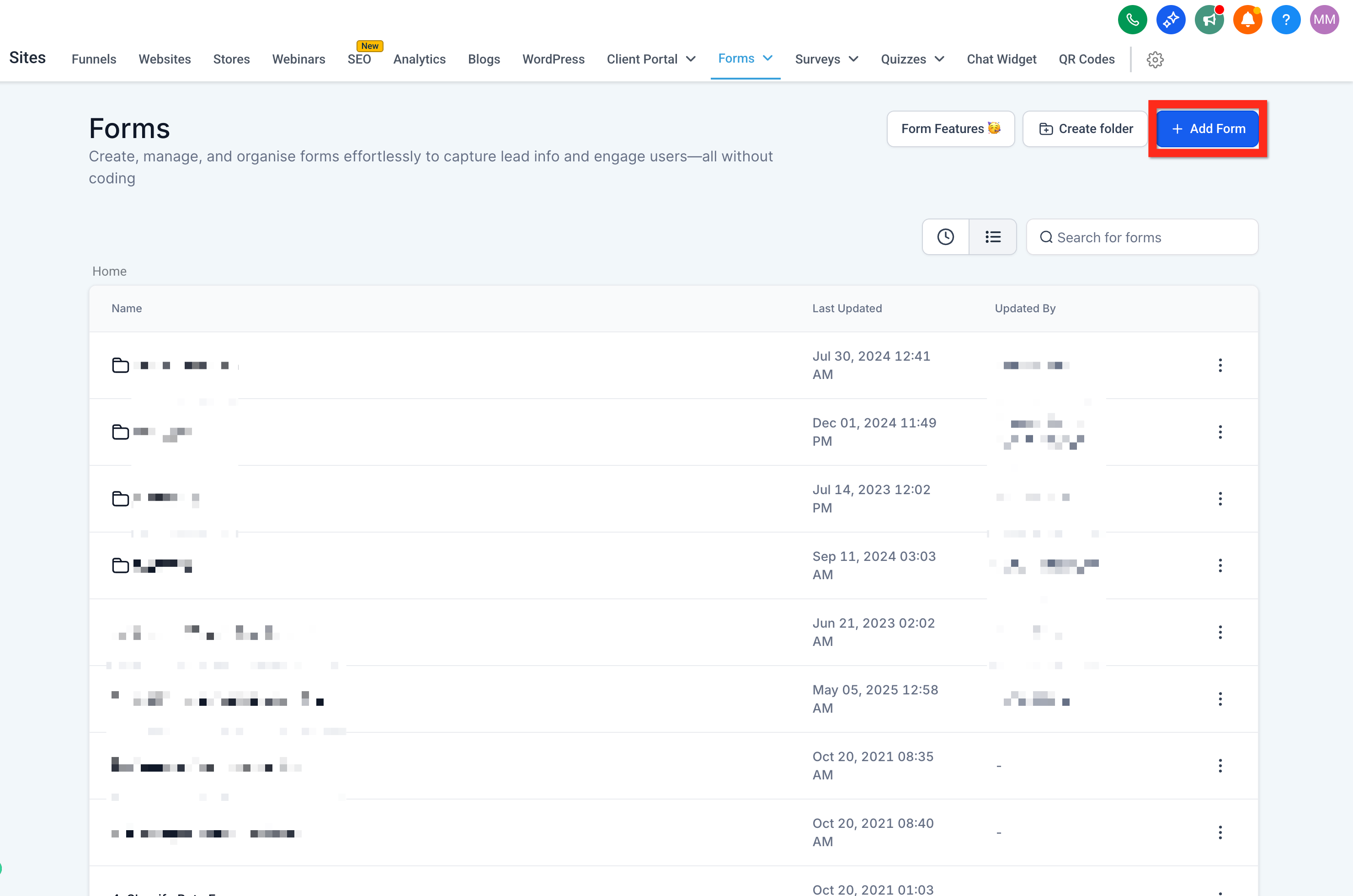
- Customize fields and branding using the Form Editor
- Click Save
📘 Learn More: How to Create a Contact Form in SalesMFast
⚙️ Next step: Optimize your form further with automations to follow up instantly!
✏️ Edit an Existing Funnel
Keep your funnels fresh and relevant. Easily update existing funnels to respond quickly to market changes or new strategies.
- Navigate to Sites > Funnels
- Select and click your funnel from the Funnel List
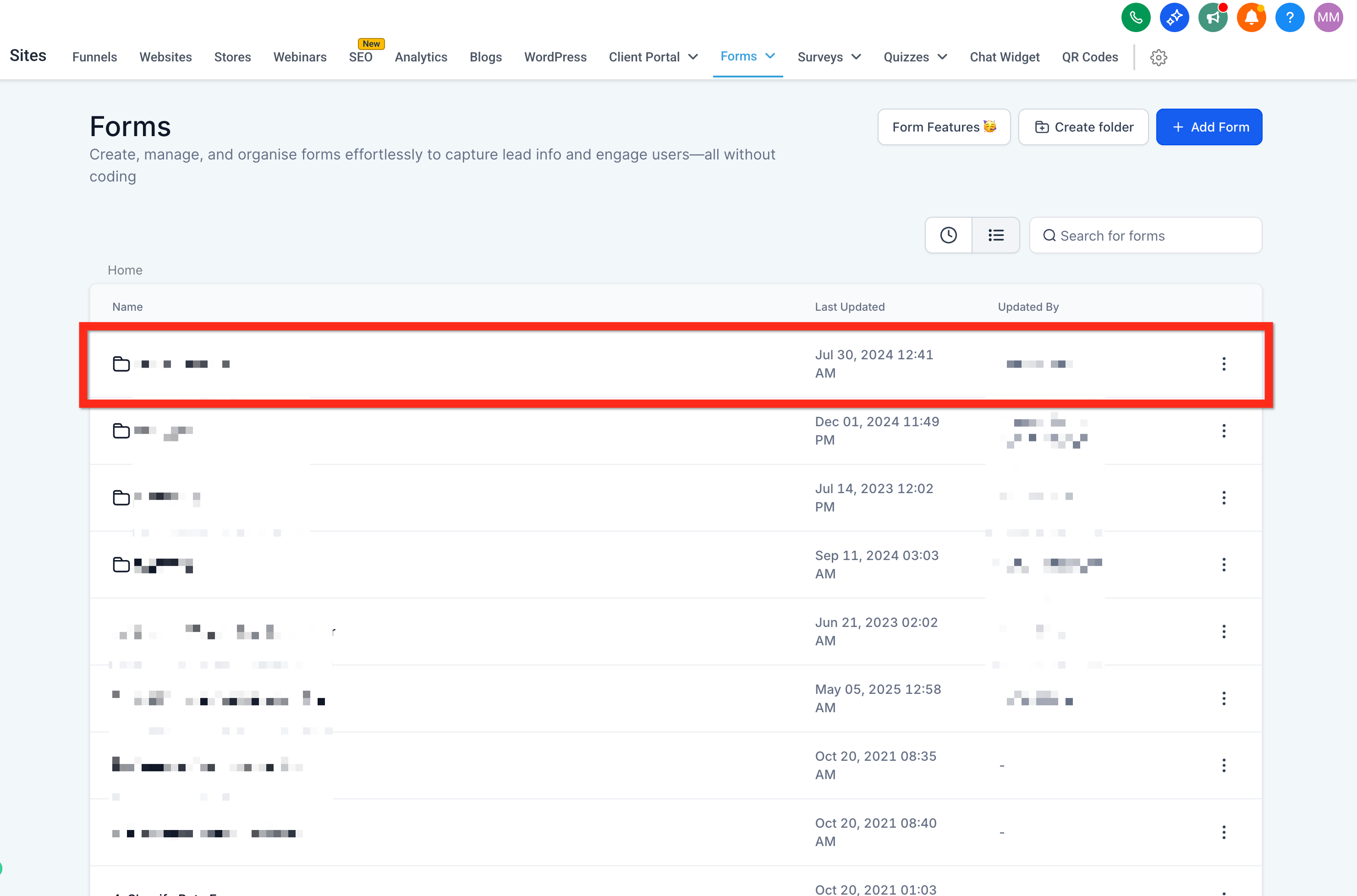
- Make your edits in the Funnel Editor
- Click Save
> 📊 Next step: Why not check analytics to see how well your updates are performing?
🌐 Add a Domain to a Funnel
Your funnel deserves a memorable domain. Connect your funnel to your own domain to enhance credibility and professionalism.
- Go to Settings > Domains
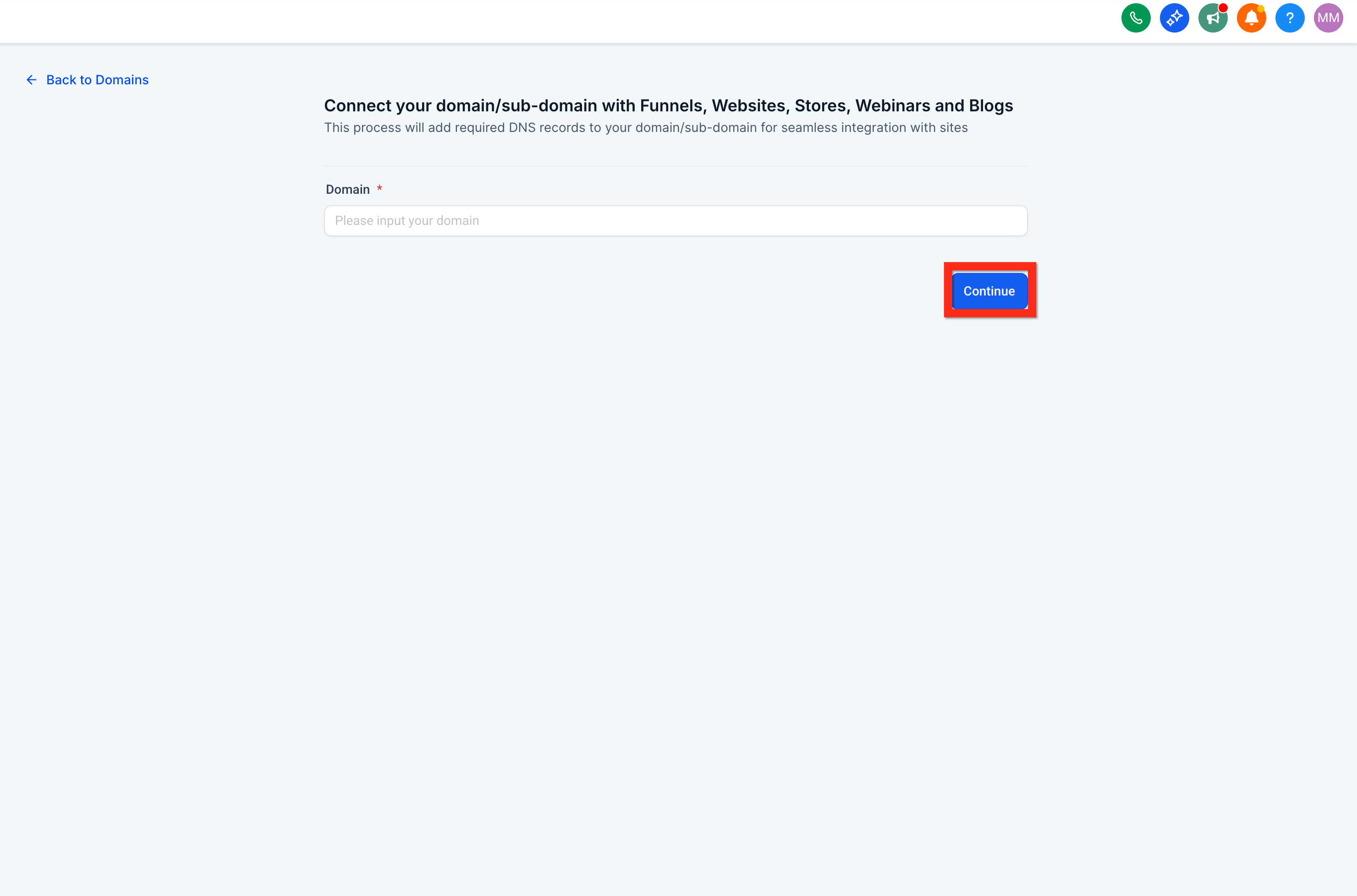
- Click Connect a Domain
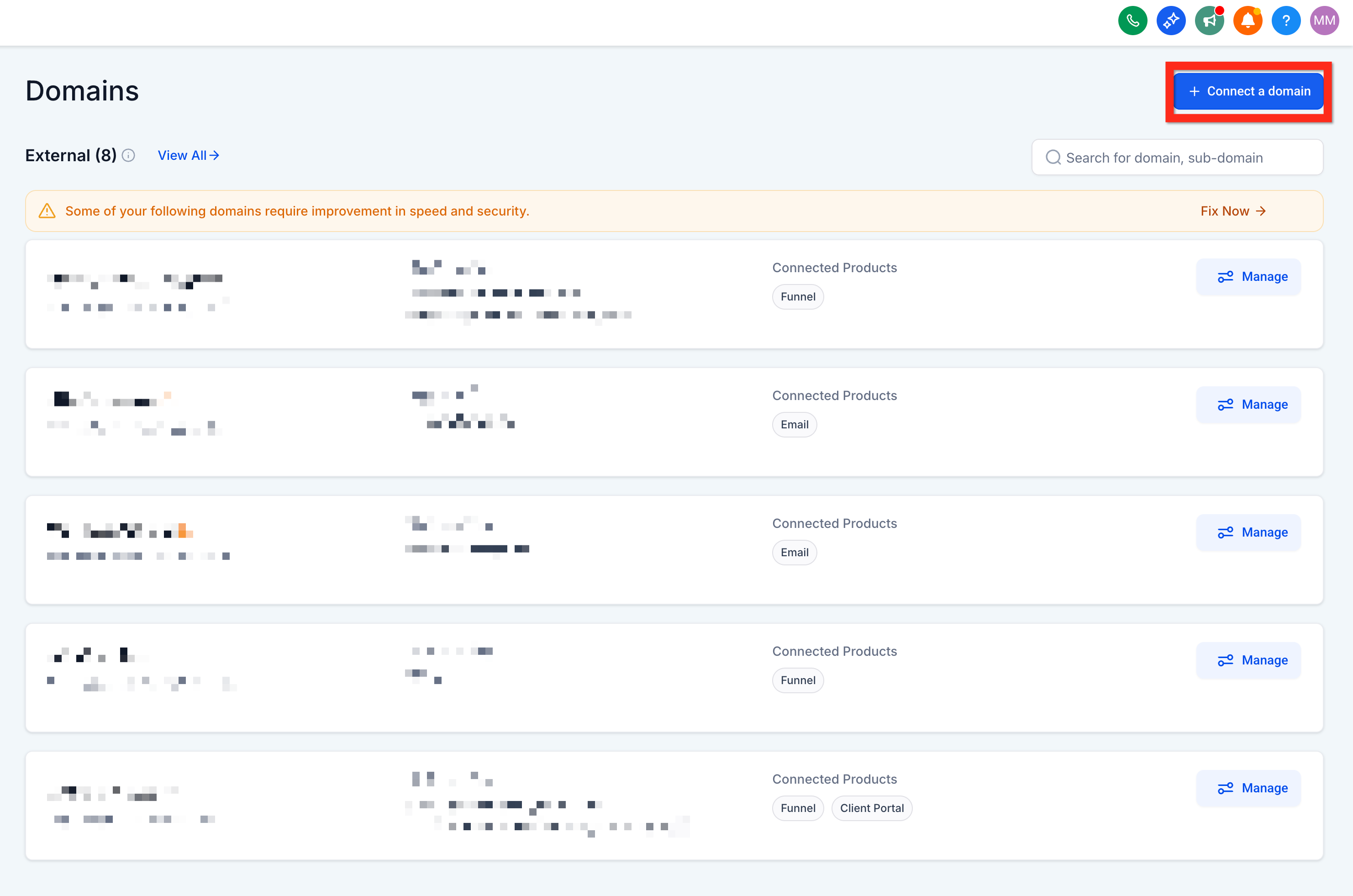
- Enter your domain and click Continue
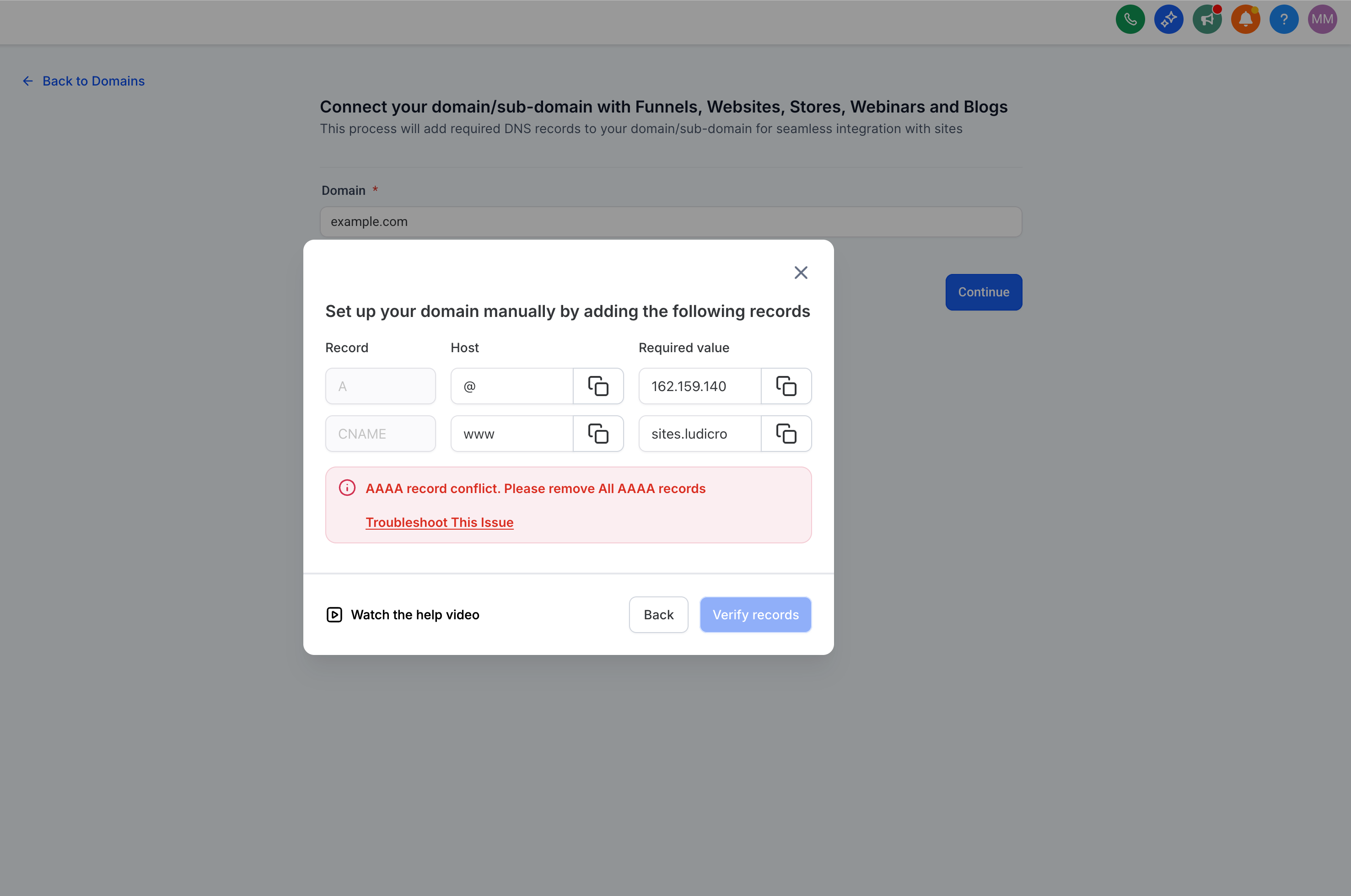
- Follow the instructions provided to set up DNS records (varies by registrar)
-
Click Verify Records
-
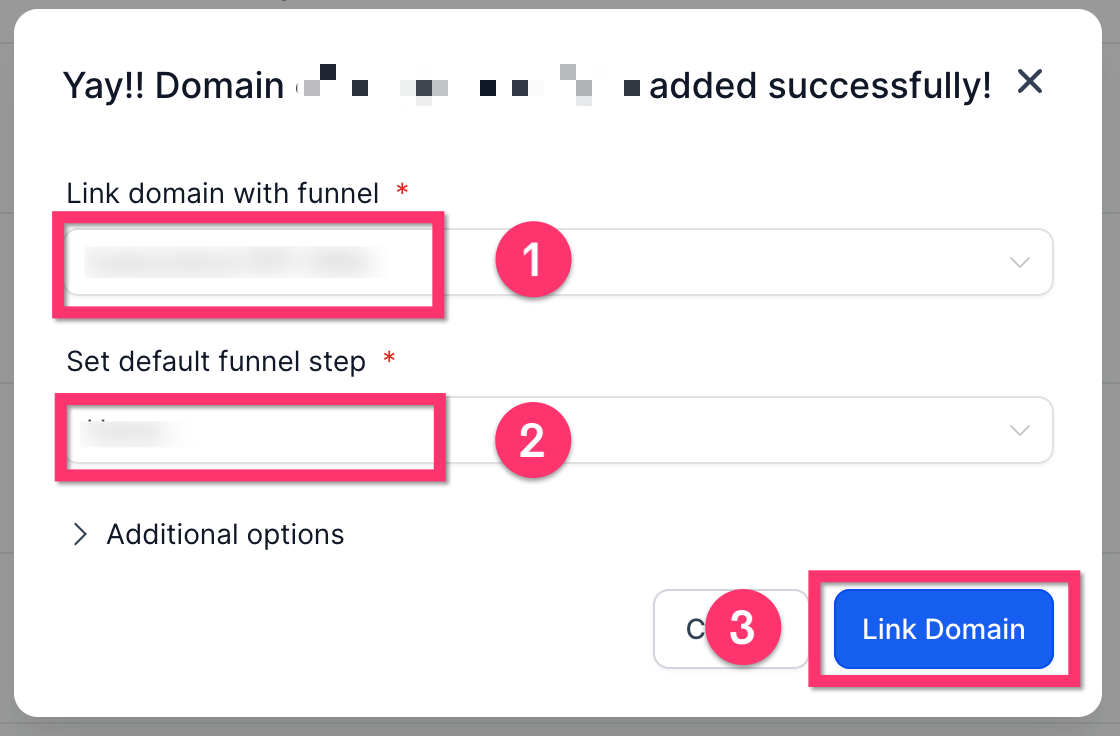
Link your domain with the funnel
-
Click Proceed to Finish